
Templates, Batch Edit, Tiling & Multi-Sheet Matrix
Automate repeat shop runs with Layer-Associated Templates, Batch Toolpath Editing, Toolpath Tiling, Merge, Array Copy Toolpath, and Multi-Sheet Batch Export.
When you cut repeat cabinet jobs, batches of trays, or oversized signs longer than your CNC bed, VibeCNC's Right Drawer production tools turn multi-hour CAM setup into a few clicks.
Layer-Associated Toolpath Templates
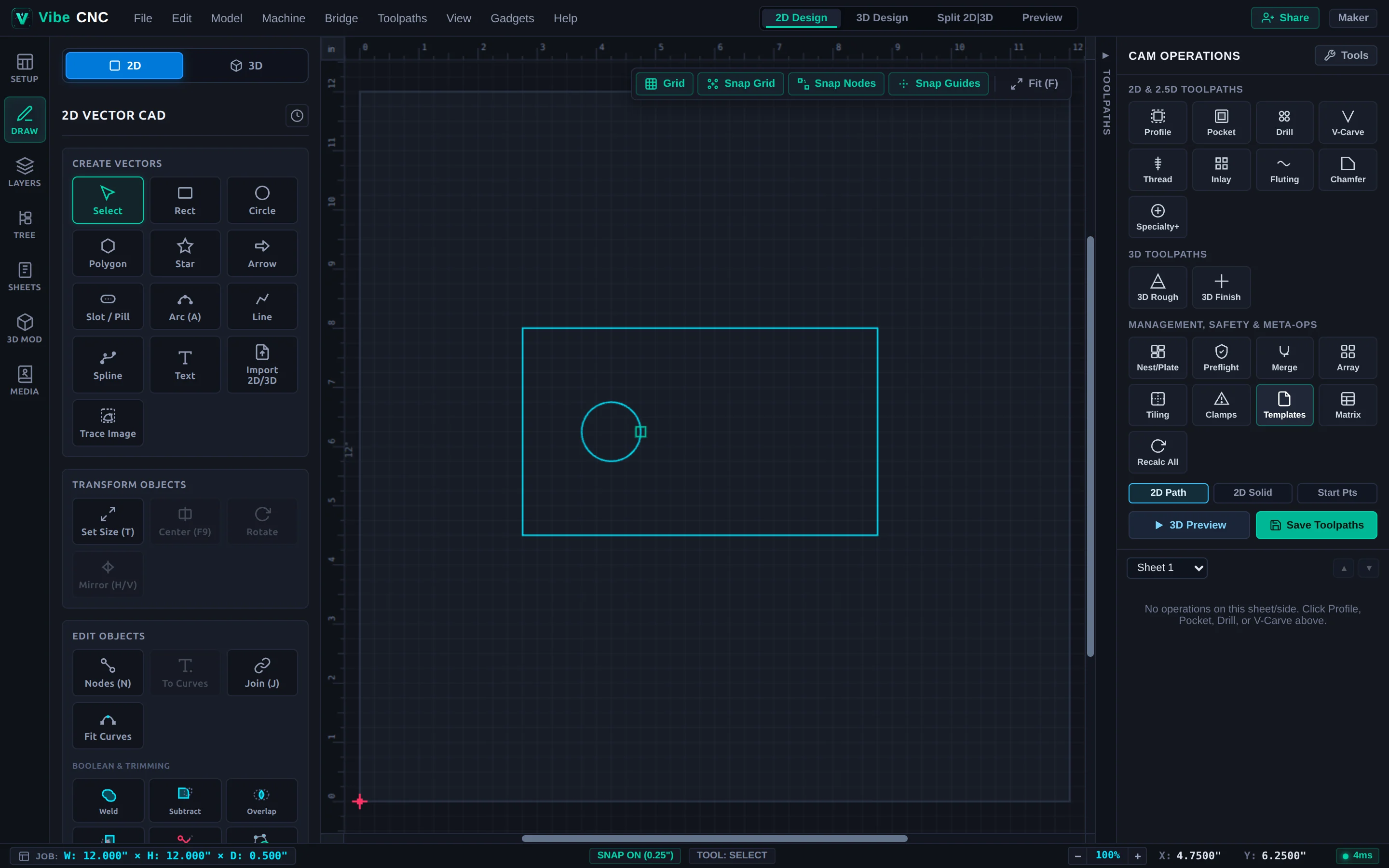
Click Templates in the Right Drawer to save proven toolpath setups as reusable JSON templates. Pair templates with the Vector Selector's Associate with toolpath checkbox bound to consistent layer names (such as Pockets, Drills, and Cutout). Next time you import a new DXF or CSV cut list, load the template and press Ctrl+Alt+R (Recalc All).
Batch Toolpath Editing & Stale Indicators
- Stale Indicators: Editing any vector, changing a Document Variable, or modifying an upstream pocket automatically flags affected downstream toolpaths so you never export outdated paths.
- Batch Edit Inspector: Hold Shift or Ctrl to multi-select operations in the Toolpath Tree (or click Select All on Sheet). Update shared tools, depths, feeds, speeds, ramps, or tabs across dozens of toolpaths at once while untouched mixed fields stay preserved.
Toolpath Tiling for Oversized Signs & Tables
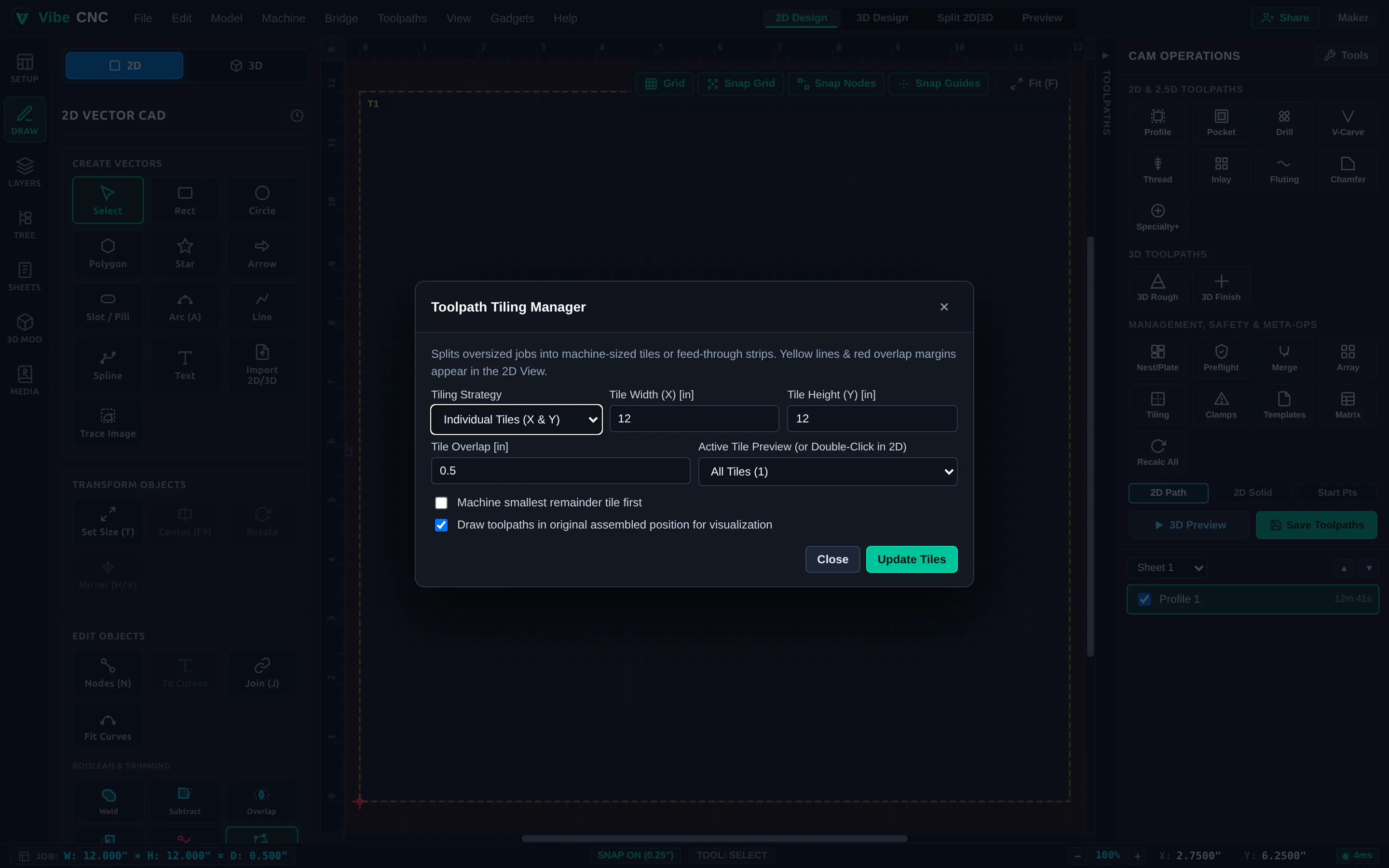
Open Tiling in the Right Drawer to machine projects larger than your router's physical bed:
- Feed Through X / Feed Through Y: Slides a long board through the machine in indexed strips along one axis.
- Individual Tiles: Splits massive wall murals into a grid of separate panels.
- Tile Overlap: Add
0.20" to 0.35"overlap so seams blend smoothly across tile boundaries, and drill indexing dowel holes along the waste edge to keep every slide perfectly registered.
Multi-Sheet Production Matrix, Merge & Setup Sheets
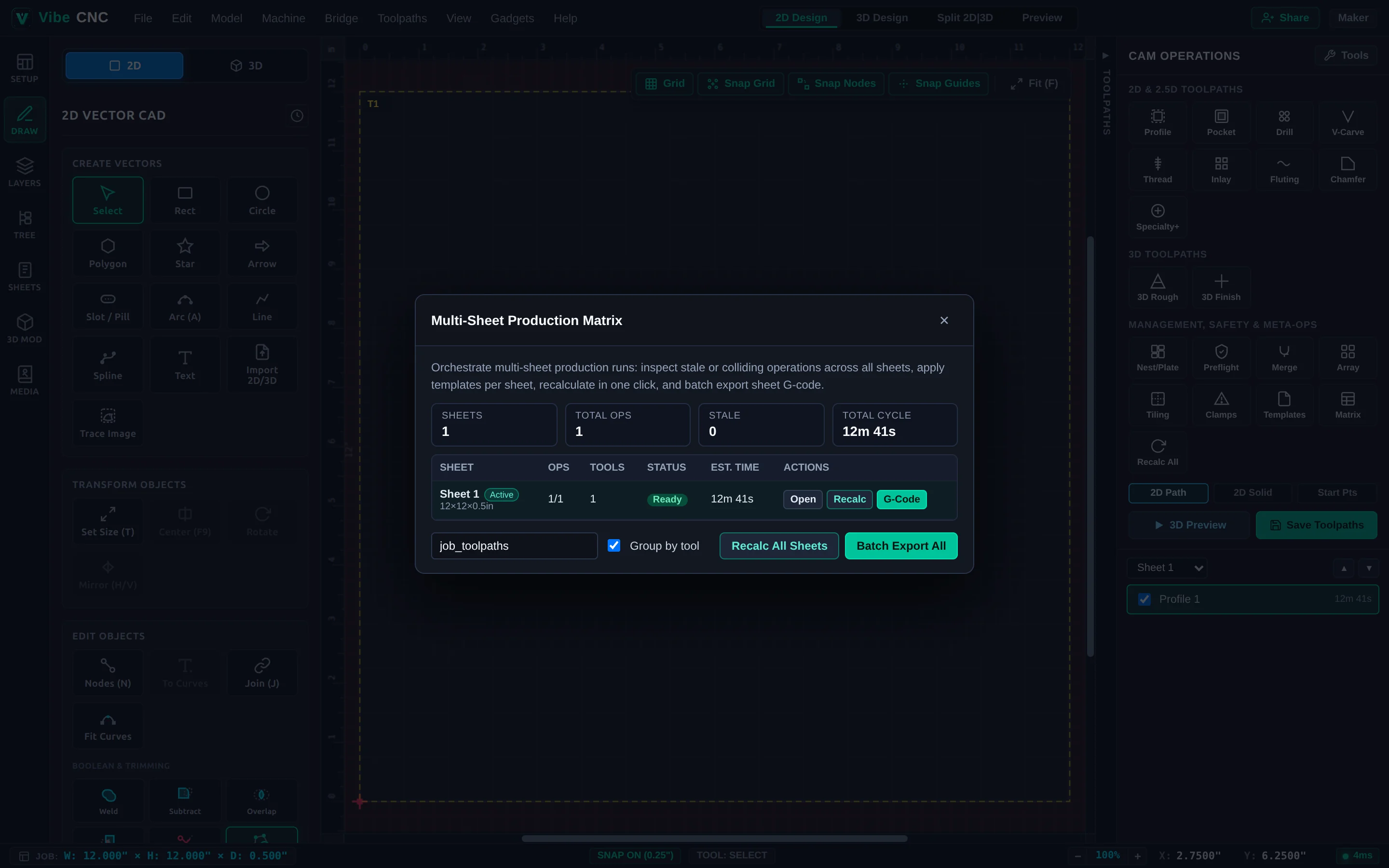
- Merge Visible Toolpaths: Combines multiple same-tool operations into one optimized file. Enable Merge By Part so the CNC finishes all pockets and cutouts on Part 1 before moving to Part 2.
- Array Copy Toolpath: Duplicates finished operations across a grid of identical blanks while minimizing tool changes across the entire table.
- Printable Job Setup Sheet: Generates a clean shop-floor sheet showing stock size, datum, every required bit, max Z depth, and estimated runtime.