
Booleans, Trimming, Fillets & Join
Combine overlapping vectors with Weld, Subtract, Intersect, Interactive Scissors Trim, CNC Dog-Bone/T-Bone fillets, and Join Open Vectors.
Fast CAD design rarely means tracing complex silhouettes freehand. Most shop parts are built faster by overlapping simple rectangles and circles, combining them with booleans, snipping extra lines with Scissors, and relieving inside corners with CNC fillets.
Weld, Subtract & Keep Overlap
| Tool | Result | Common CNC Use |
|---|---|---|
| Weld (Union) | Fuses overlapping closed vectors into one outer boundary. | Merging script letters, combining plaque frames with circular medallions. |
| Subtract (Difference) | Cuts overlapping vectors out of the first selected base vector. | Cutting thumb notches into trays, subtracting mounting cutouts from plates. |
| Keep Overlap (Intersection) | Retains only the region shared by all selected closed vectors. | Clipping repeating patterns inside a custom plaque outline. |
Interactive Trim (Scissors)
Click Scissors in the Left Drawer and move your cursor over intersecting vectors. VibeCNC highlights the exact span between crossing points. Click once to snip that segment away cleanly; VibeCNC automatically rejoins the surviving spans when appropriate.
Corner Fillets (Normal, Dog-Bone & T-Bone)
Because router bits are cylindrical, every internal 90-degree corner retains a radius equal to half the bit diameter. To let a square wooden tenon seat fully into a CNC-cut slot or mortise, add a corner relief fillet.
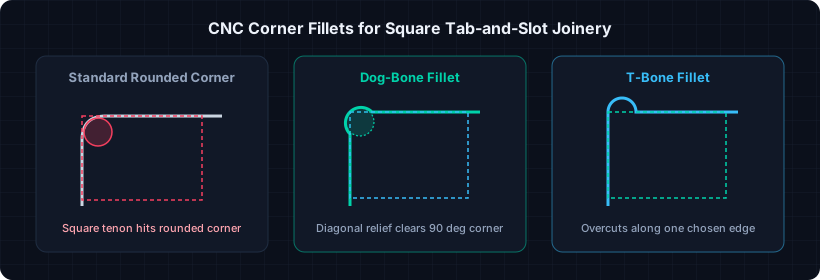
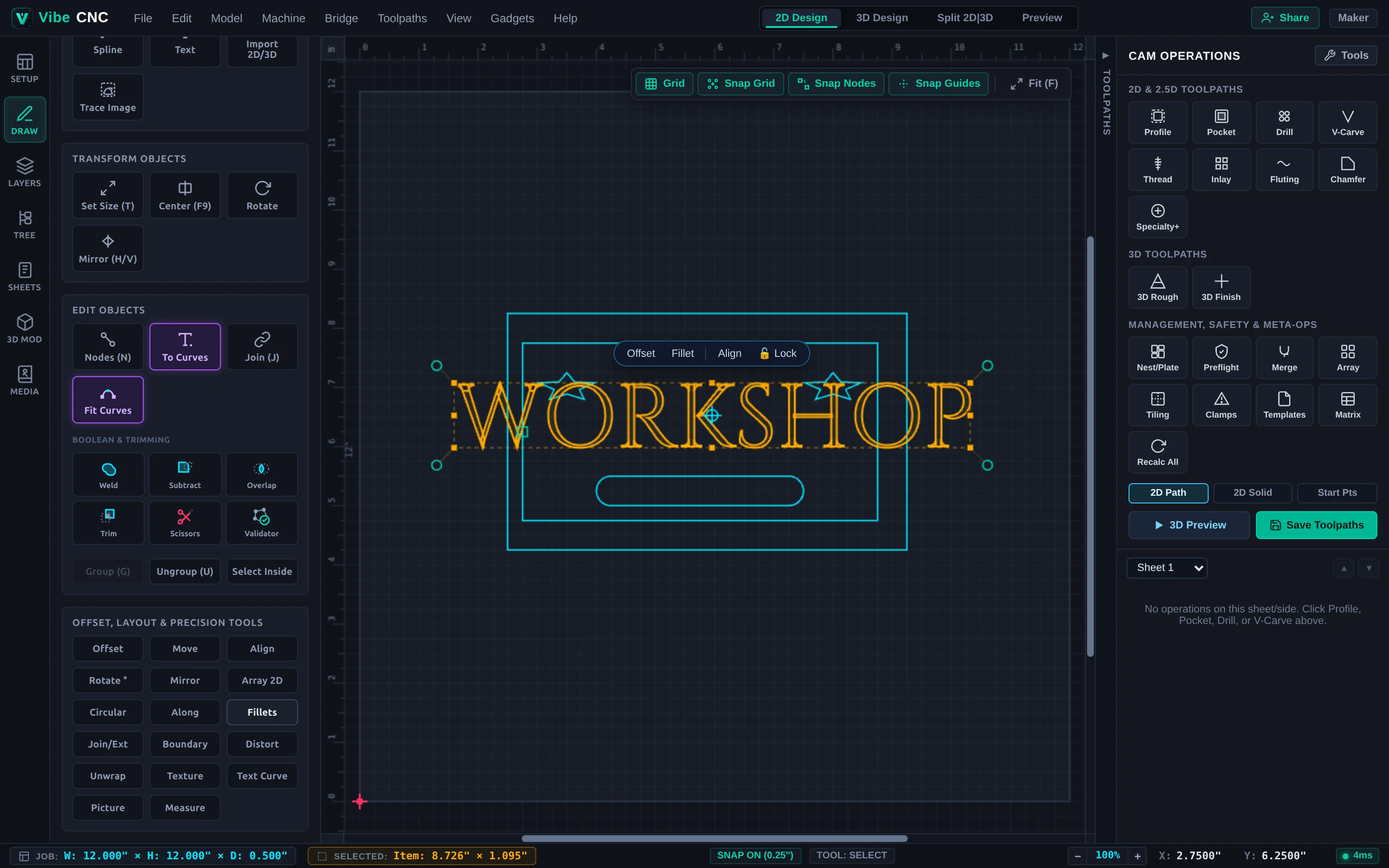
Always set your Dog-Bone or T-Bone radius at least 0.005" (0.15 mm) larger than half your cutter diameter. For a 1/4" bit (radius 0.125"), use a 0.130" fillet so the CAM engine can roll smoothly around the relief without stopping dead in the corner.
Join Open Vectors (J) & Extend
DXF files exported from mechanical CAD often arrive as separate unjoined lines and arcs. Select them and press J to weld matching endpoints within your tolerance into closed loops. Use Join/Ext for specialized variants: Close with Straight Line, Close with Smooth Curve, Move Endpoints to Midpoint, or Extend two lines to their intersection.