
Rectangles, Circles, Lines & Arcs
Create exact rectangles, circles, ellipses, open or closed polylines, and true circular arcs with live numeric entry and snapping.
Every CNC part begins with crisp 2D vectors. VibeCNC lets you drag out shapes visually for fast layout and then type exact dimensions down to the thousandth of an inch (or hundredth of a millimeter) without redrawing.
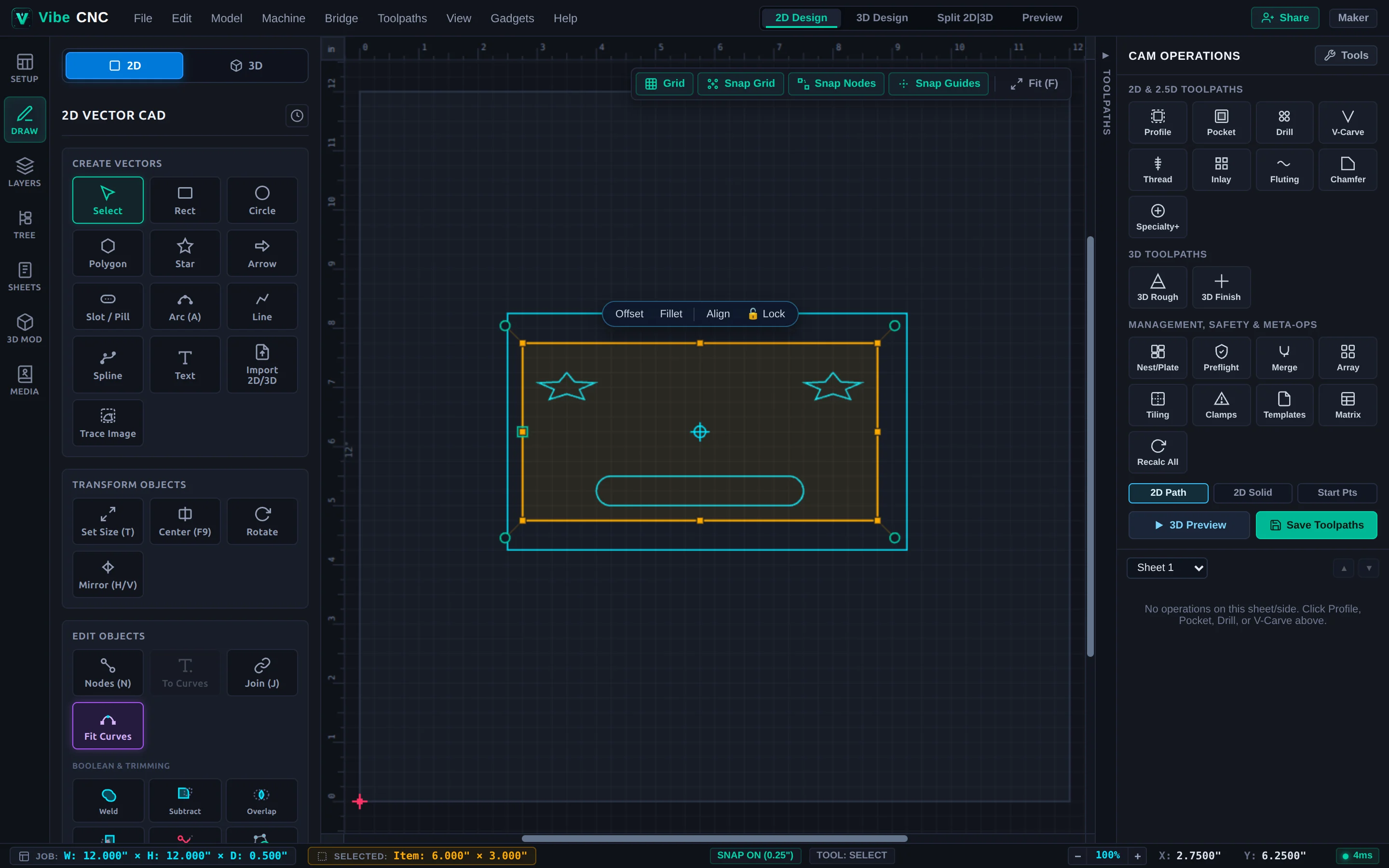
Rectangle (R)
Click Rect in the Left Drawer or press R. Click and drag diagonally across the canvas to place a rectangle. Hold Shift while dragging to constrain a perfect square.
| Parameter | What It Controls | Shop Tip |
|---|---|---|
| Width / Height | Exact X and Y size of the bounding rectangle. | Accepts math formulas like W-1.5 or 12*m. |
| Corner Radius | Applies smooth external rounded corners or inverted concave corners. | Match your router bit radius (or larger) on inside pockets to avoid sharp corner chatter. |
| Anchor Point | Sets which corner or center stays fixed when resizing numerically. | Use Center when growing a plaque border evenly around centered text. |
Circle & Ellipse (C)
Press C and drag from the center outward. Switch between a true Circle (controlled by Diameter or Radius) and an Ellipse (independent Width and Height). True circles store clean 4-quadrant geometry so Drilling and Profile toolpaths output smooth native G02/G03 circular arcs instead of faceted polygons.
Line Segment & Polyline (L)
Press L to draw single lines or continuous multi-segment polylines:
- Click successive points to lay down straight spans. Hold Shift or enable Ortho snapping to lock horizontal, vertical, or 45-degree angles.
- Click back on the starting point to close the loop automatically into a watertight polygon.
- Press Esc or double-click to finish an open vector (useful for fluting lines, saw-kerf cuts, or moulding drive rails).
Draw Arc (A)
Press A to draw true circular arc spans by picking start point, end point, and bulge/radius. Because VibeCNC preserves native arc curvature, arched cabinet doors, curved sign tops, and dish rims machine smoothly without controller stuttering.