Bitmap Trace, Vector Doctor & Fit Curves
Convert raster images into clean CAD vectors with Trace Bitmap, diagnose broken loops with Vector Doctor, and reduce node chatter with Fit Curves.
Client artwork, scanned templates, and downloaded DXF files frequently arrive as bitmaps or messy vector files containing duplicate stacked lines, open gaps, and hundreds of jagged micro-segments. VibeCNC provides a three-step cleanup pipeline.
Trace Bitmap (Image to CAD Vectors)
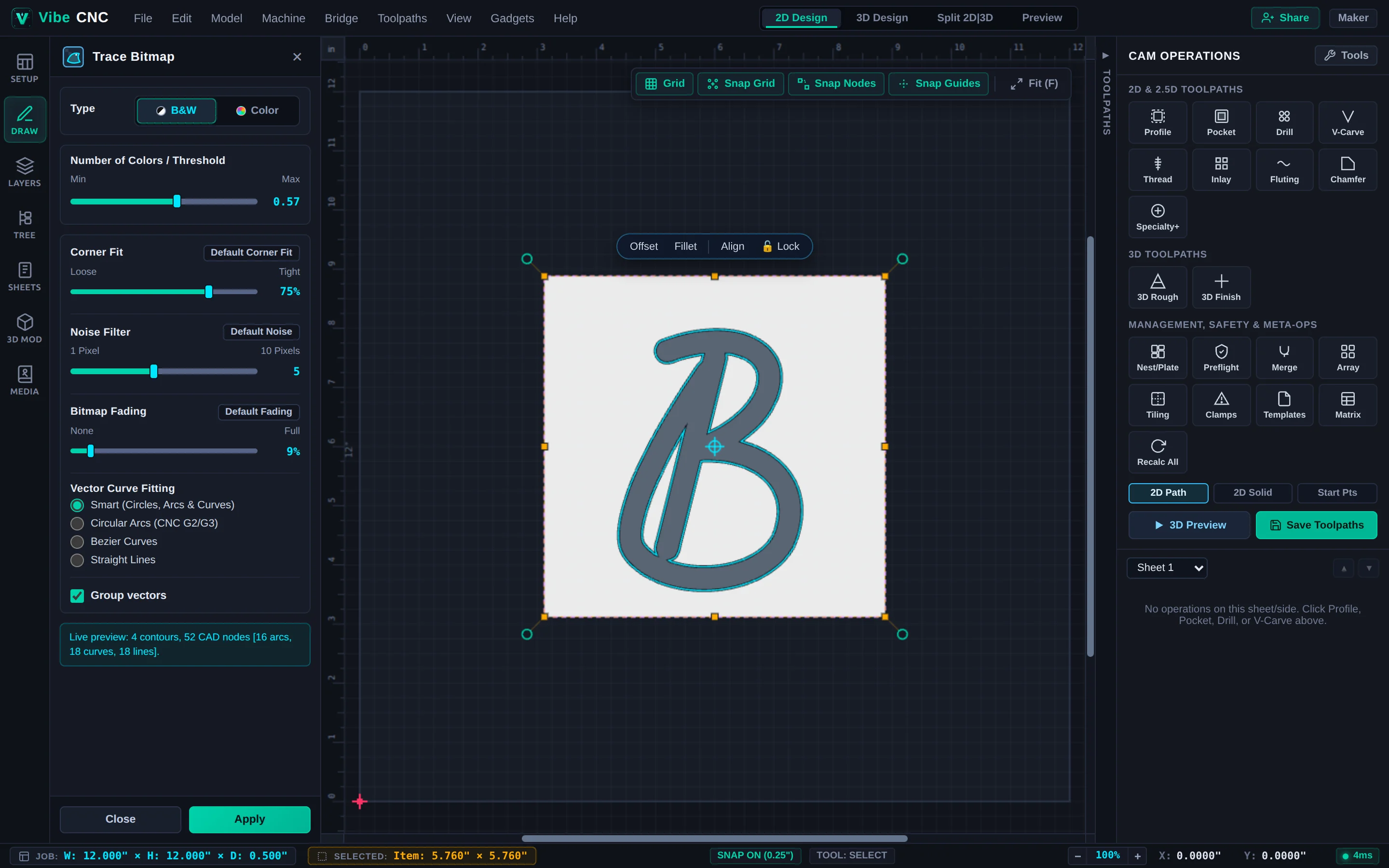
Select an imported bitmap (or insert a raster from the Media Library) and click Trace Image. Unlike naive tracers that output jagged stair-stepped polylines, VibeCNC fits sparse Circles, Circular Arcs (G02/G03), Cubic Beziers, and Straight Lines directly in physical sheet coordinates.
| Setting | What It Controls | Recommended Starting Point |
|---|---|---|
| Type (B&W vs Color) | Single-threshold silhouette vs multi-color region tracing. | Use B&W for logos, monograms, and line drawings. |
| Threshold | Brightness cutoff dividing dark foreground from light background. | Start near 0.50 to 0.60 and slide until thin strokes look crisp. |
| Corner Fit | Balance between tight sharp corners and smooth flowing curves. | 70% to 80% preserves crisp serifs without stair-stepping. |
| Noise Filter | Minimum pixel cluster size required to create a vector. | 4 to 6 px removes JPEG specks and stray dust dots. |
| Vector Curve Fitting | Output primitive type (Smart, Circular Arcs, Beziers, or Lines). | Keep Smart (Circles, Arcs & Curves) for cleanest G-code. |
Vector Doctor (Vector Validator)
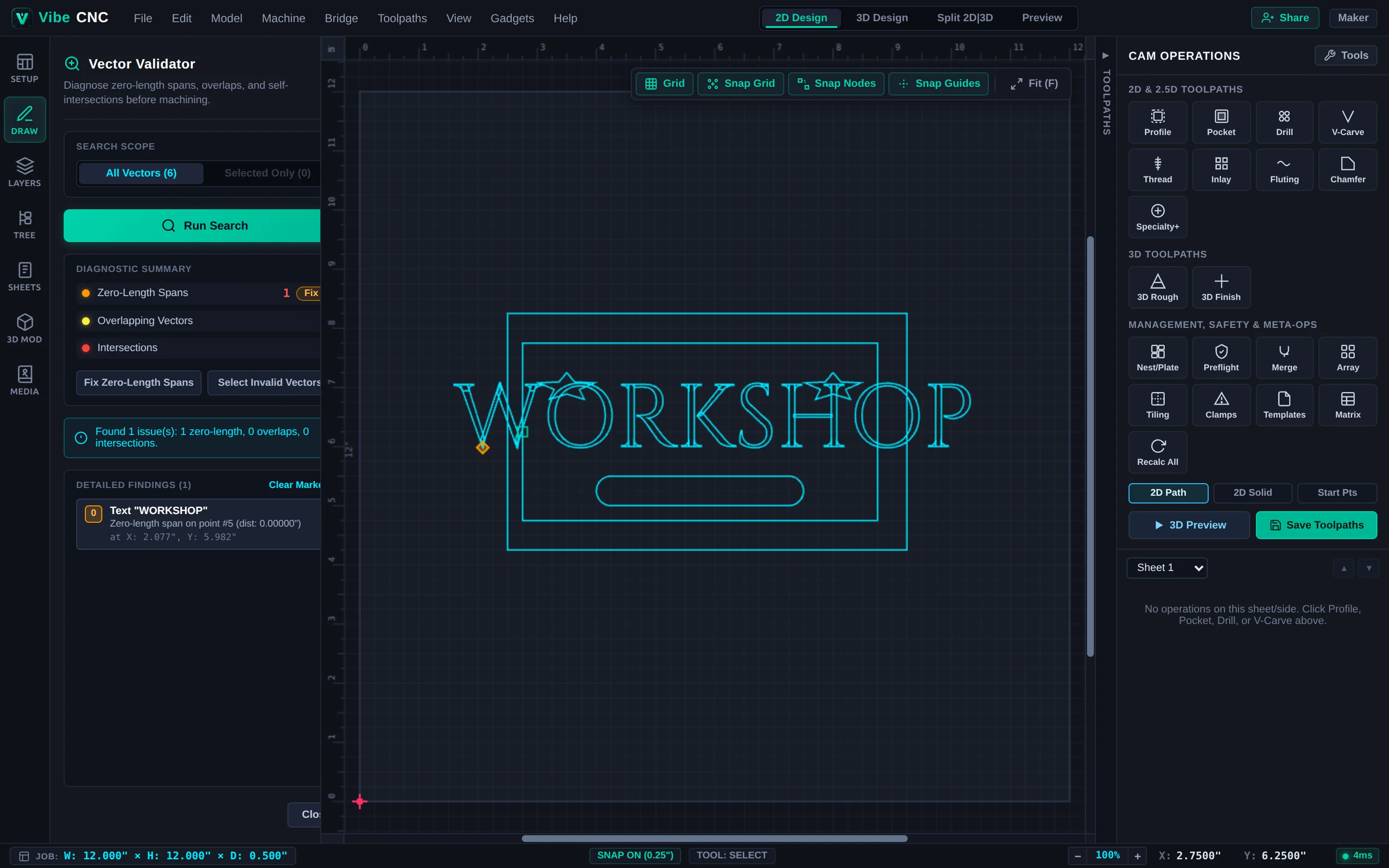
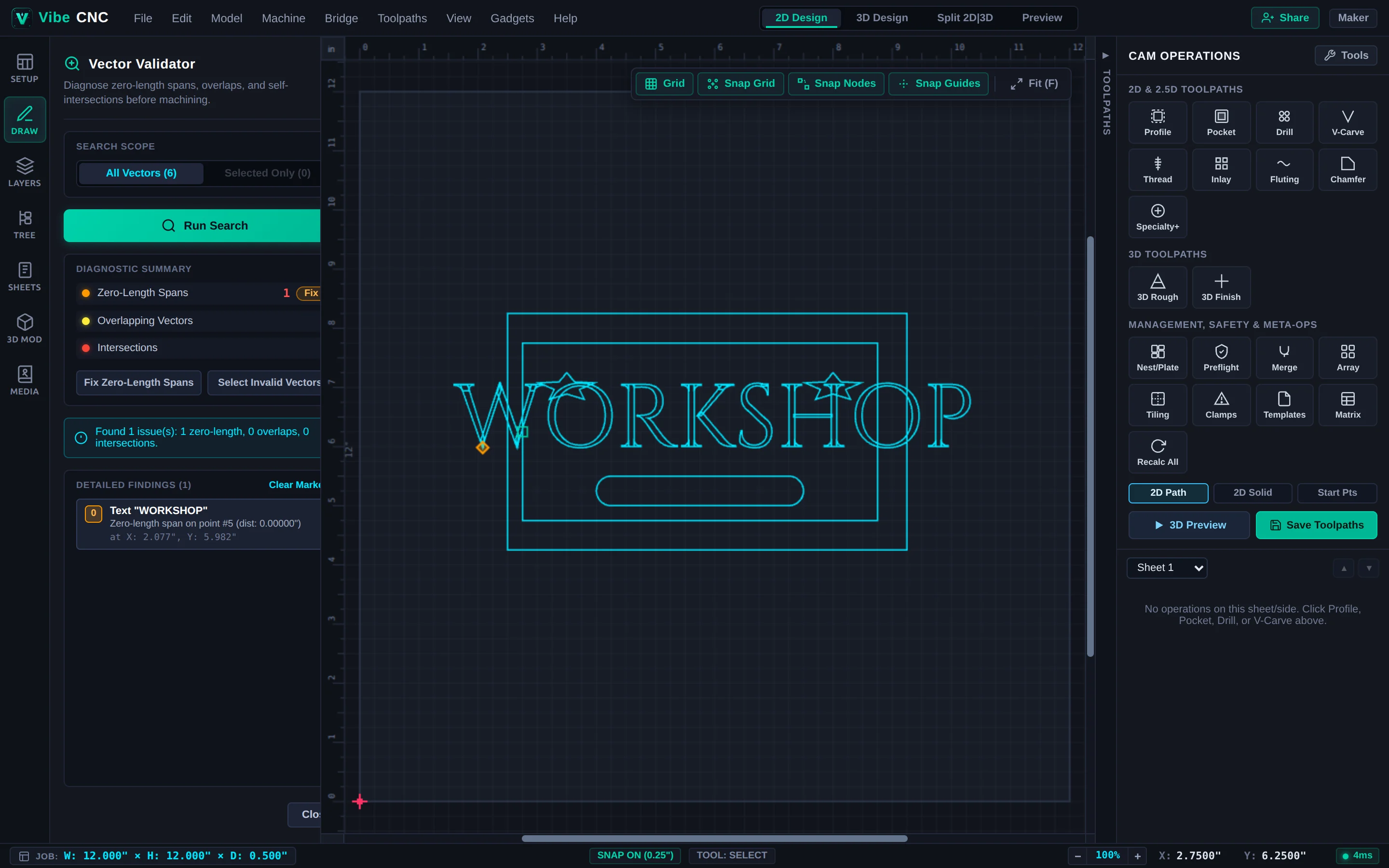
Before calculating a V-Carve or Pocket toolpath on imported art, open Vector Doctor (the validator icon in the Left Drawer) and click Run Search. It inspects either all sheet vectors or your active selection and flags three common defects:
- Zero-Length Spans (Orange Diamonds): Duplicate vertices sitting on top of each other. Click Fix Zero-Length Spans to clean them automatically.
- Overlapping Vectors (Yellow Squares): Two lines lying directly on top of one another, causing double passes or confusing pocket boundaries.
- Self-Intersections (Red Crosshairs): A loop crossing over itself (common in messy fonts or bad traces). Zoom in, press N, and untangle the crossed nodes.
Fit Curves to Vectors
Dense polyline curves with thousands of tiny straight edges force your CNC controller to accelerate and decelerate constantly, leaving faceted walls and slowing jobs down. Select the noisy shapes and open Fit Curves to refit them into true Circular Arcs, Cubic Beziers, or simplified Straight Lines within a chosen tolerance (typically 0.002" to 0.005") while preserving sharp corners.