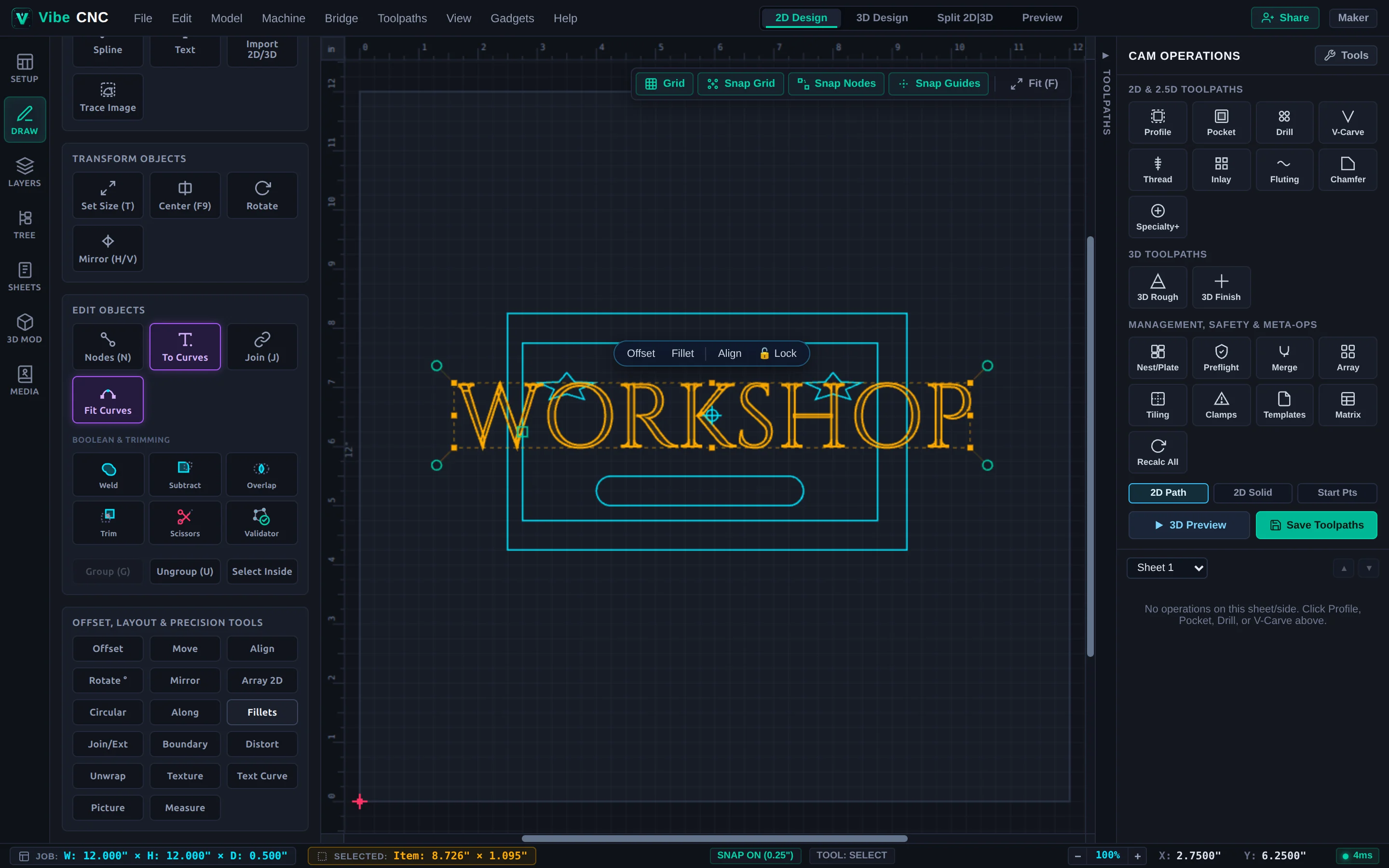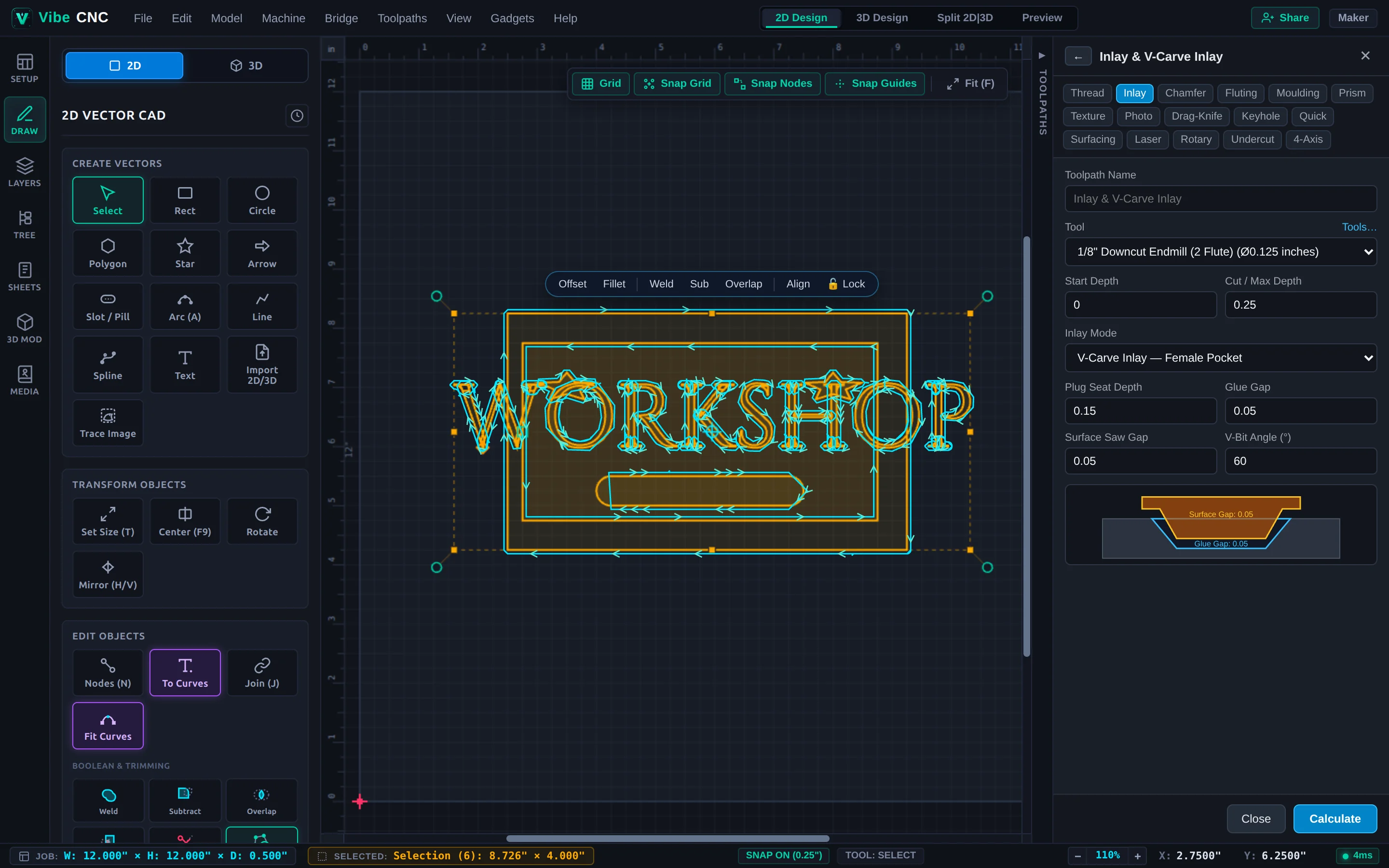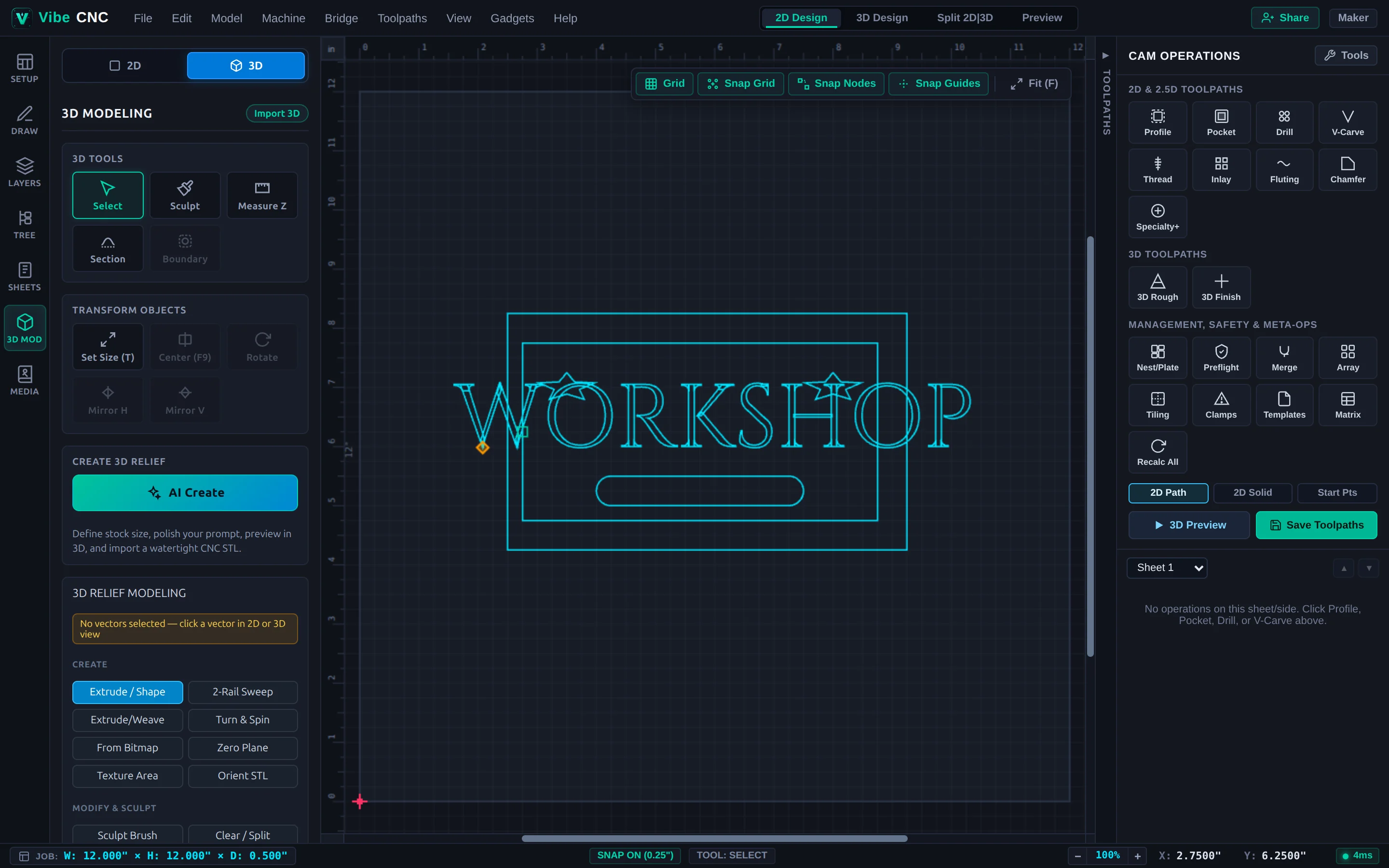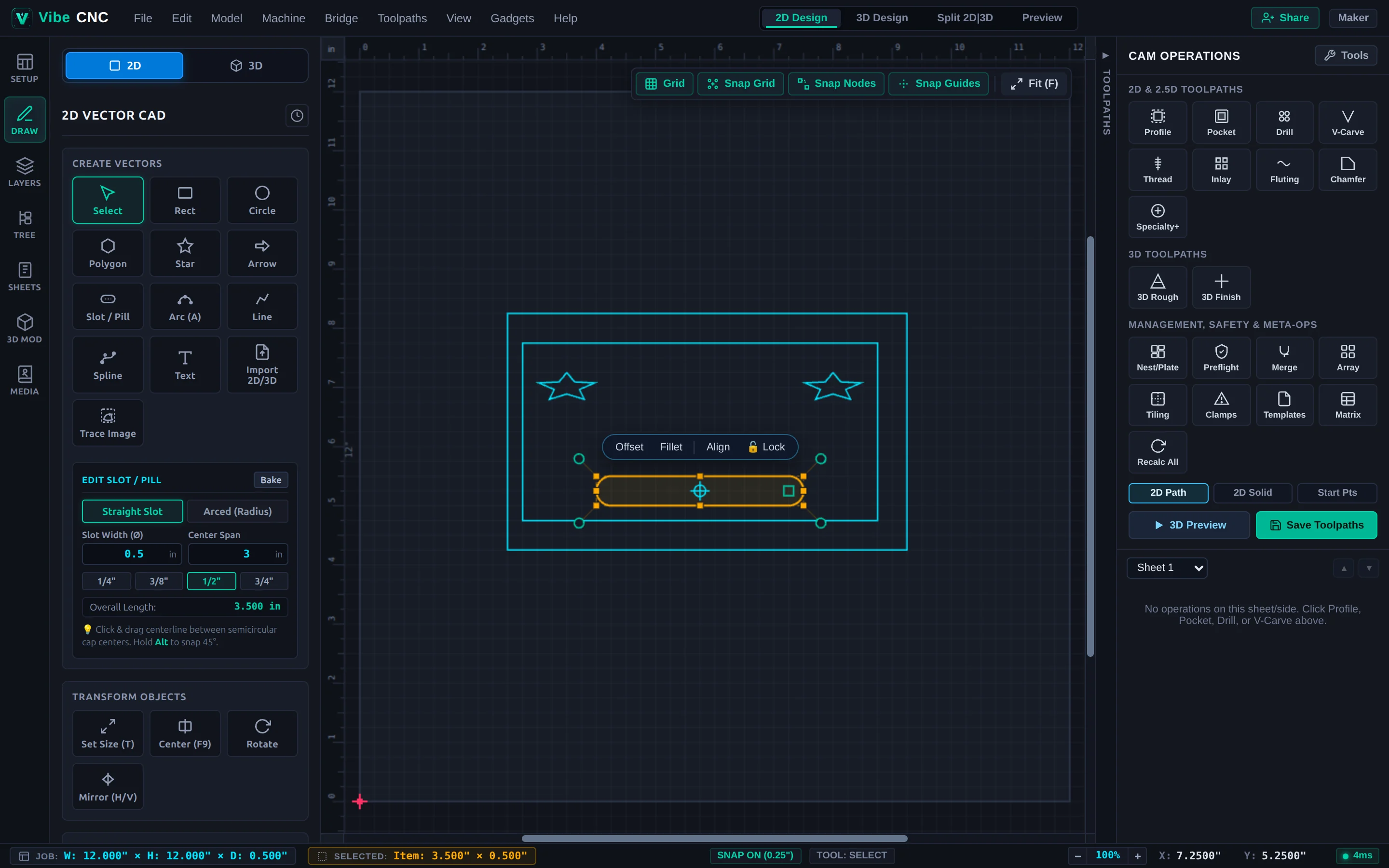
Your First CNC Project: V-Carved Shop Sign
Go from a blank 12x8 inch walnut board to simulated toolpaths and ready-to-run G-code using borders, Google Fonts lettering, V-Carve, and a tabbed cutout.
Follow real woodworking and shop projects from blank stock to simulated 3D cuts and machine-ready G-code. Every guide includes actual settings, bit choices, and shop tips.
Go from a blank 12x8 inch walnut board to simulated toolpaths and ready-to-run G-code using borders, Google Fonts lettering, V-Carve, and a tabbed cutout.
Build a modern plywood desk organizer with recessed catchall trays, snug tab-and-slot dividers using Dog-Bone fillets, and multi-tool pocket clearing.
Carve gap-free contrasting hardwood inlays for cutting boards and keepsake boxes using VibeCNC's V-Carve Inlay workflow.
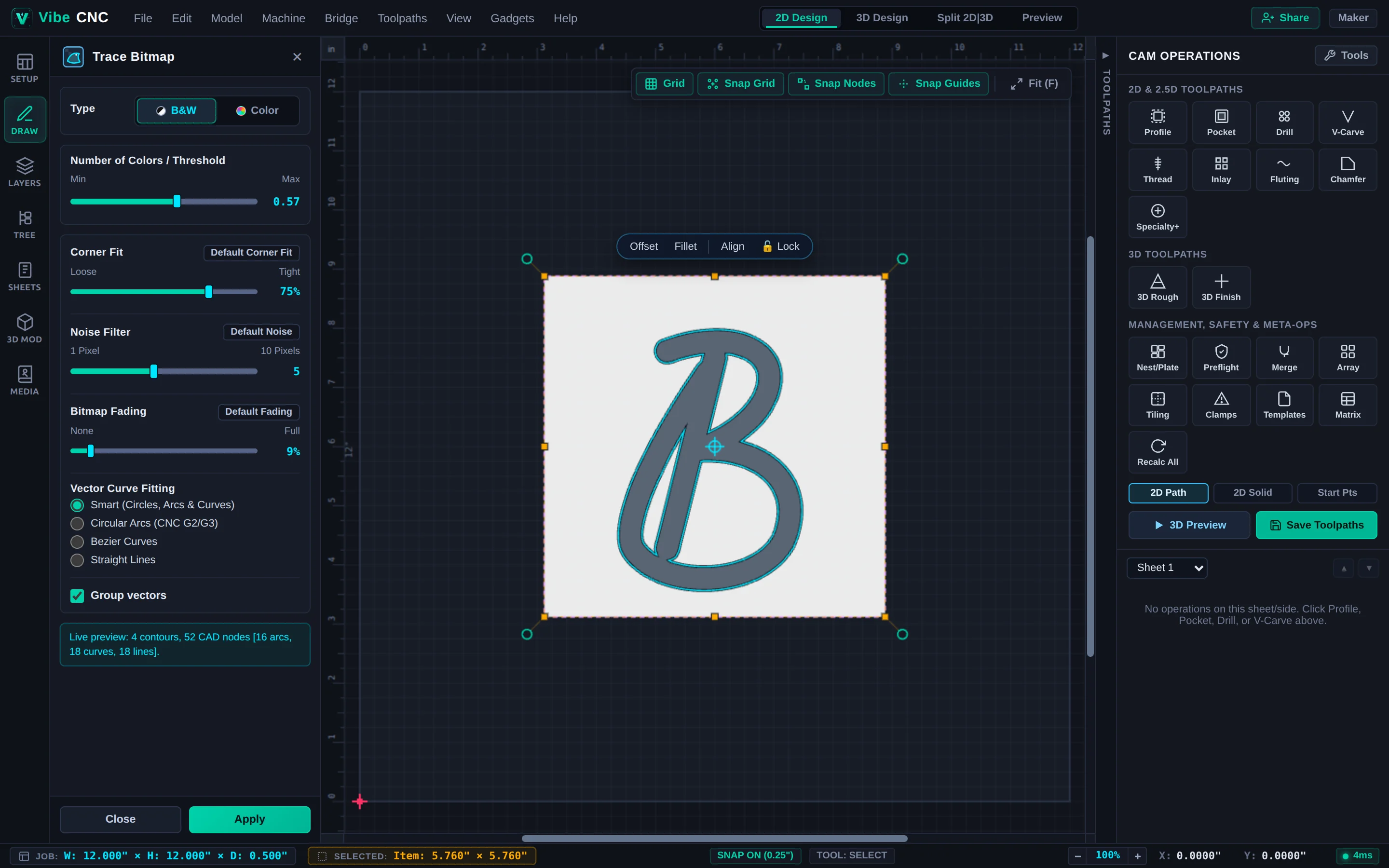
Turn a client PNG or JPG logo into smooth, chatter-free CNC vectors using Trace Image, Vector Doctor, and Fit Curves.
Position a 3D relief model inside hardwood stock, add a tight vector boundary, hog out waste with 3D Roughing, and finish with a fine tapered ball nose.
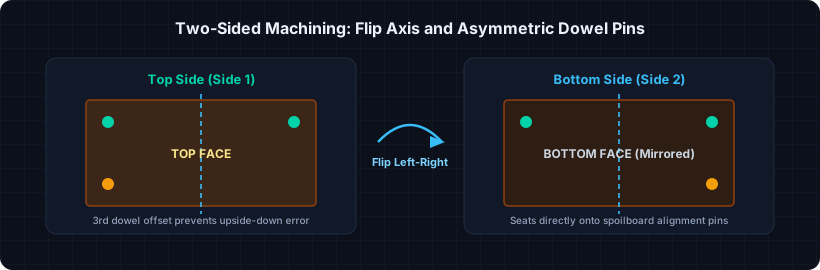
Carve both faces of a wooden tray or sculpted part accurately using VibeCNC's Double-Sided workflow and asymmetric spoilboard dowel pins.
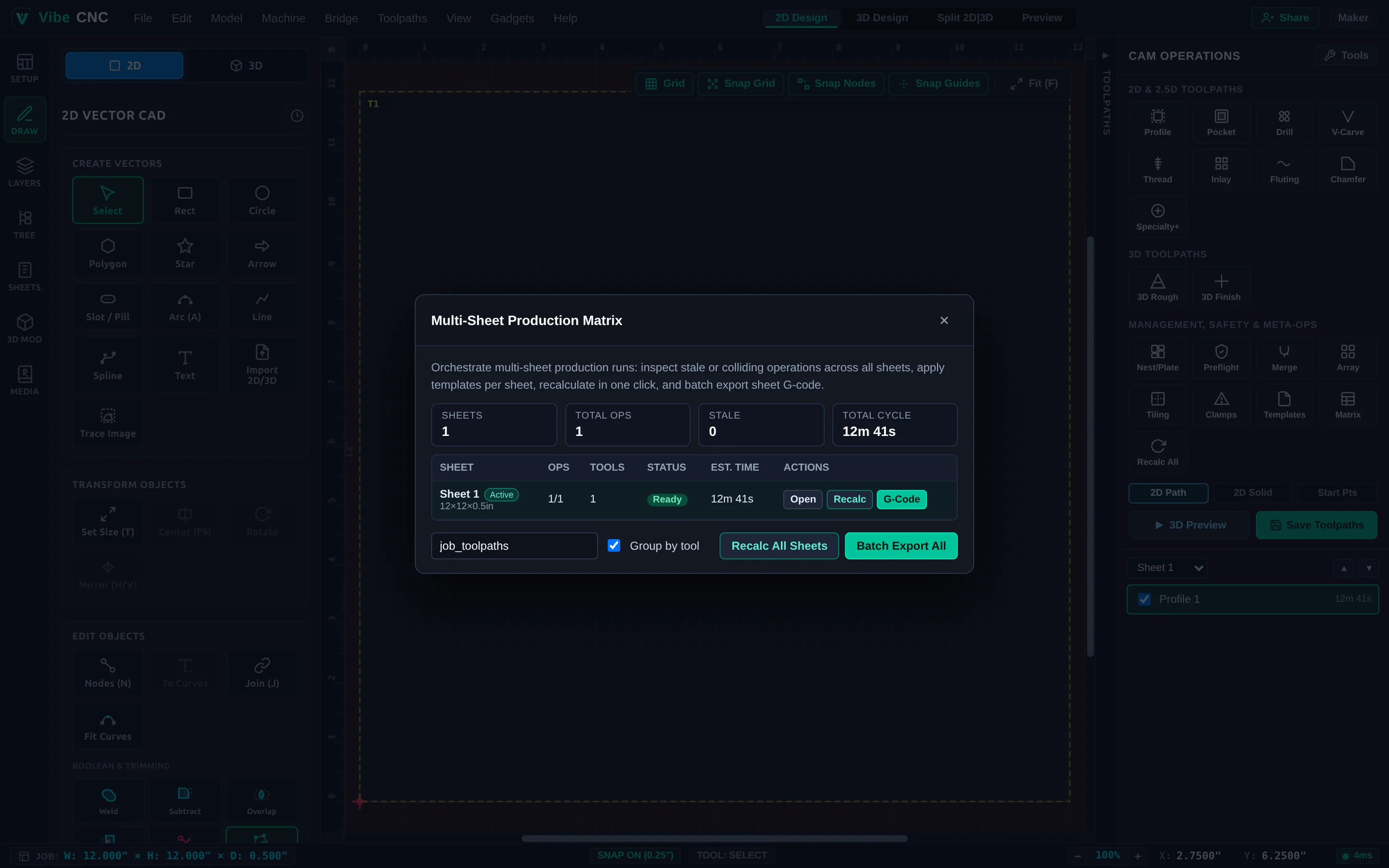
Streamline repeat shop jobs with layer-associated toolpath templates, Batch Edit, Keep-Out Clamps, Toolpath Tiling, and Multi-Sheet Batch Export.
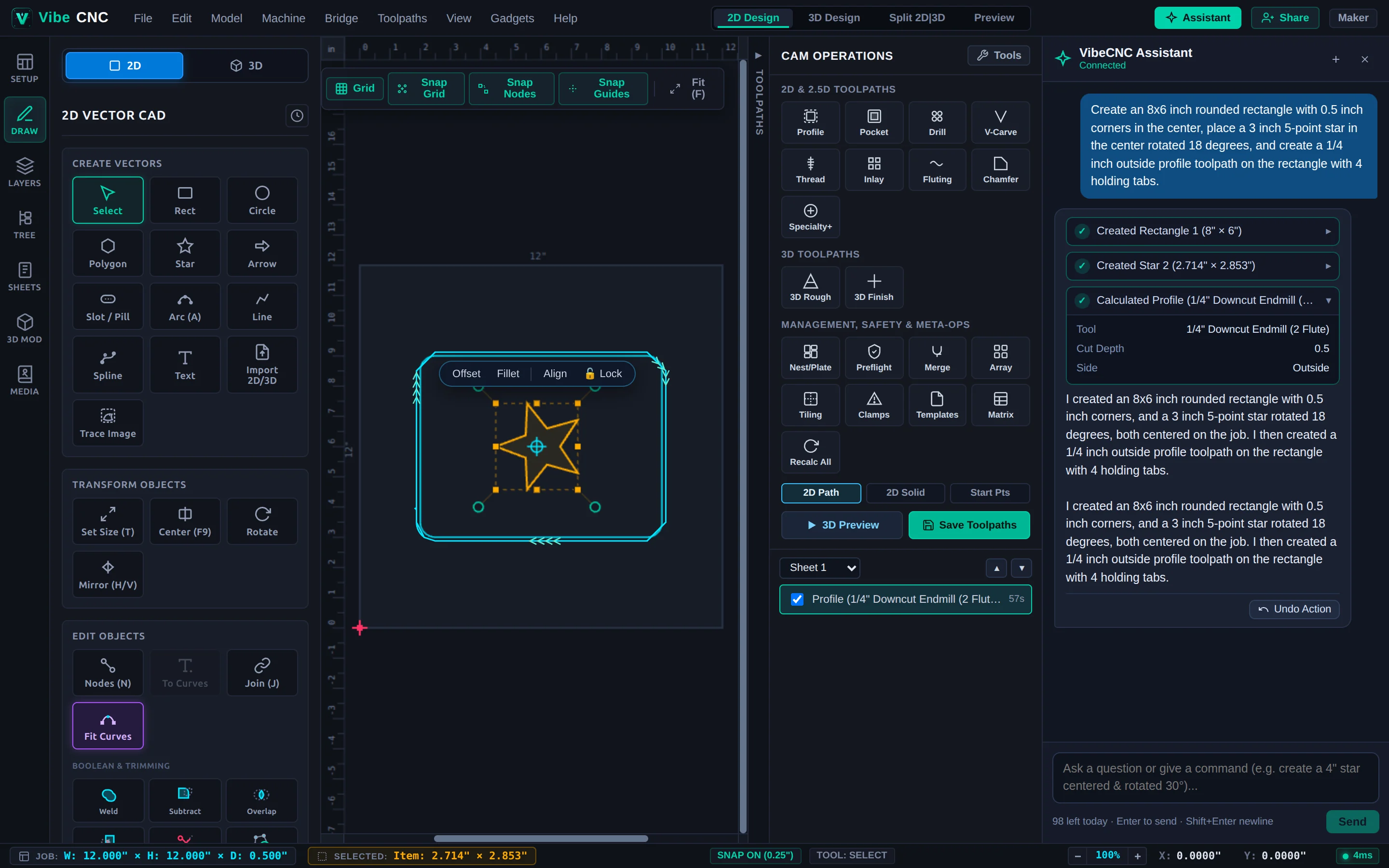
Use natural language in VibeCNC Assistant to ask feeds-and-speeds questions, draw a framed 2D plaque with a rotated star emblem, and calculate a tabbed Profile toolpath.
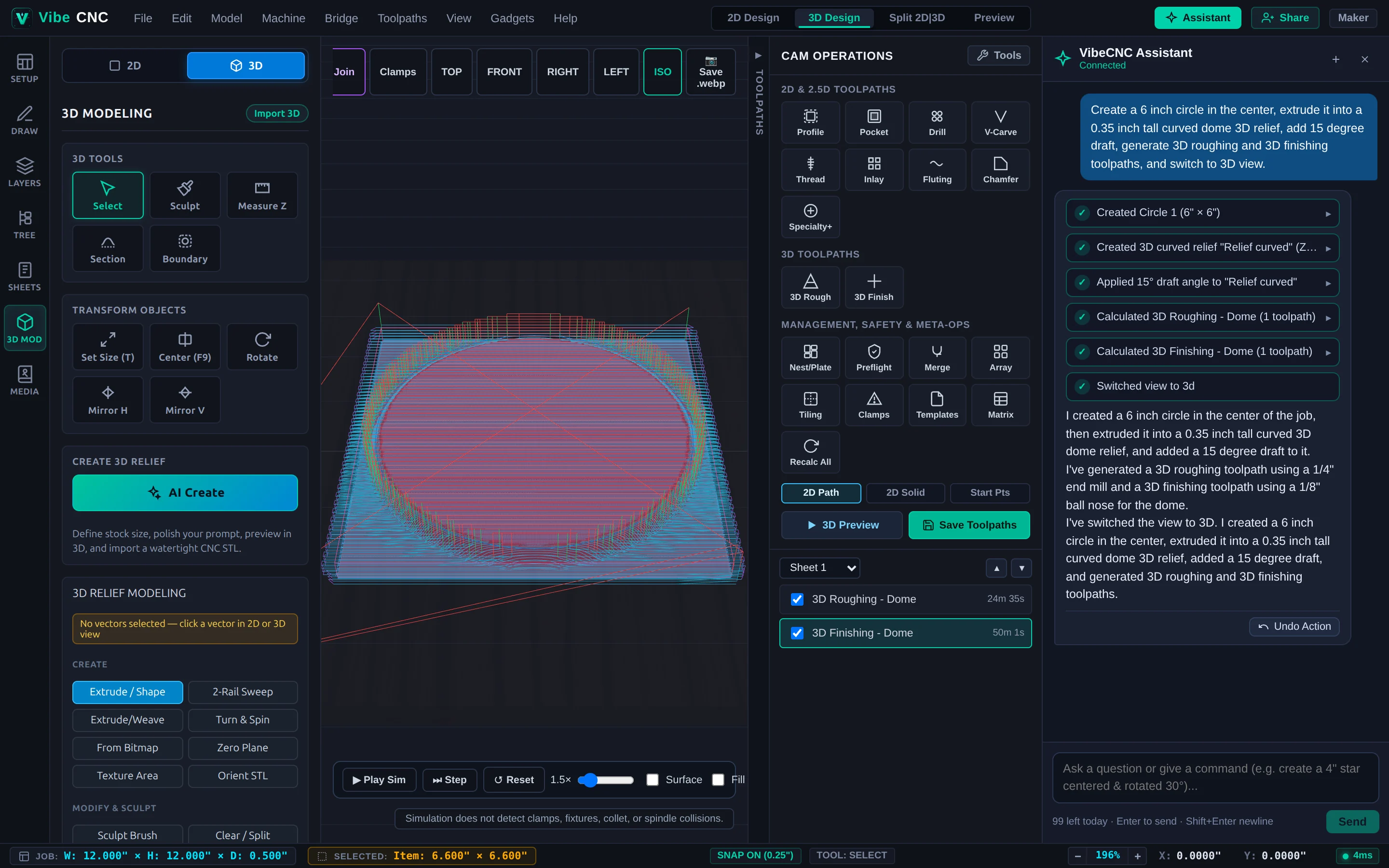
Build a domed 3D medallion relief from a 2D circle, apply draft angles and smoothing, and generate 3D Roughing and 3D Finishing toolpaths using conversational commands.