Keep-Out Clamps, Z1/Z2 Heights & Preflight Safety
Protect aluminum clamps and fixtures with Keep-Out Zones, configure safe Z1/Z2 clearance heights, and run the Pre-Export Preflight Safety Check.
Hitting a metal hold-down clamp at 18,000 RPM ruins a bit in a split second and can throw your workpiece across the shop. VibeCNC builds fixture awareness directly into the CAM engine and pre-export checks.
Defining Keep-Out Clamp Zones
Click Clamps in the Right Drawer to define X, Y, Width, Height, and Z-height rectangles matching every toe clamp, cam clamp, or hold-down screw on your sheet.
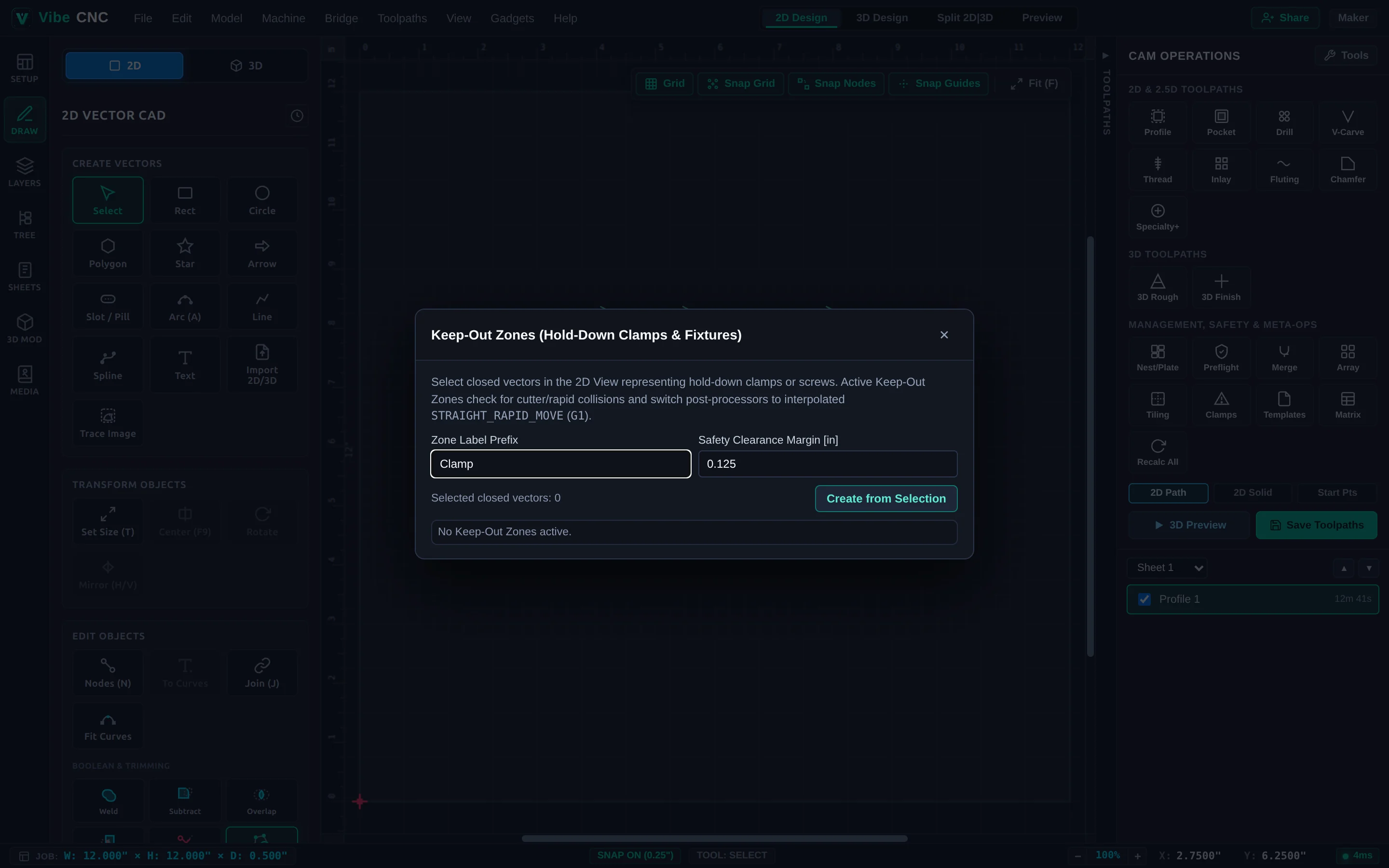
- Automatic Retracts Over Hardware: Even when Stay-Down Linking (
Join2D) is active, VibeCNC never lets a low rapid or linking move cross a Keep-Out Clamp zone. It automatically retracts above the clamp's safe height (Z1). - 3D Visual Check: Toggle Clamps in the 3D Preview toolbar to inspect your physical clamps right beside the spinning toolpaths before you cut.
Understanding Z1 (Clearance) vs Z2 (Plunge)
| Height | Purpose | Recommended Starting Value |
|---|---|---|
| Z1 (Clearance Z) | Safe height used for long XY rapids across the board and over clamps. | 0.25" for tape/screws; 0.75" to 1.50" when using tall toe clamps. |
| Z2 (Plunge Z) | Height where rapid Z descent switches to controlled plunge/ramp feedrate. | 0.08" to 0.15" above remaining stock height. |
Pre-Export Preflight Safety Check
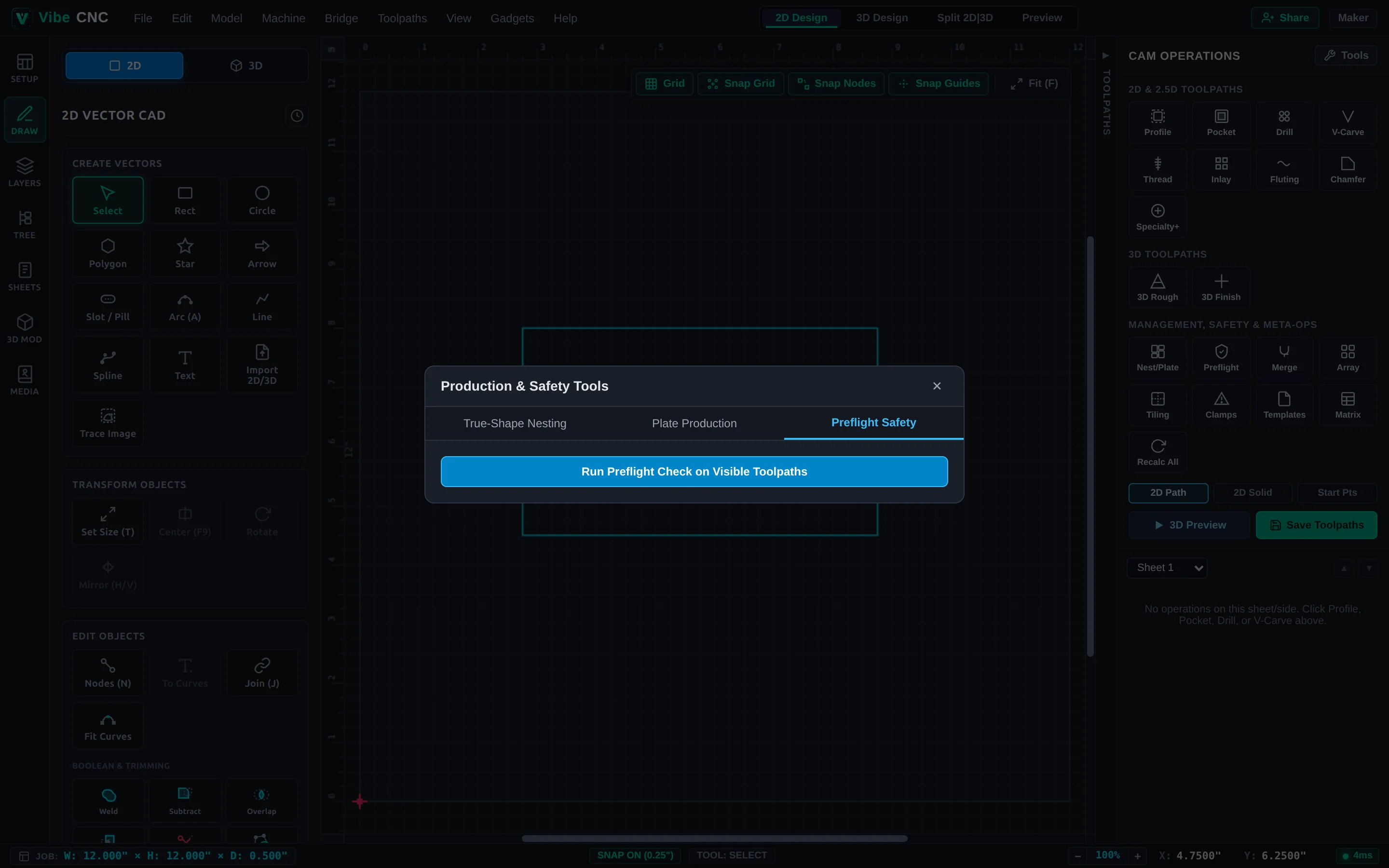
Click Preflight in the Right Drawer before saving G-code. Preflight scans every visible toolpath and checks for clamp intersections, cut depths exceeding material thickness unexpectedly, stale toolpaths needing recalculation, and mismatched units or post-processor limits.