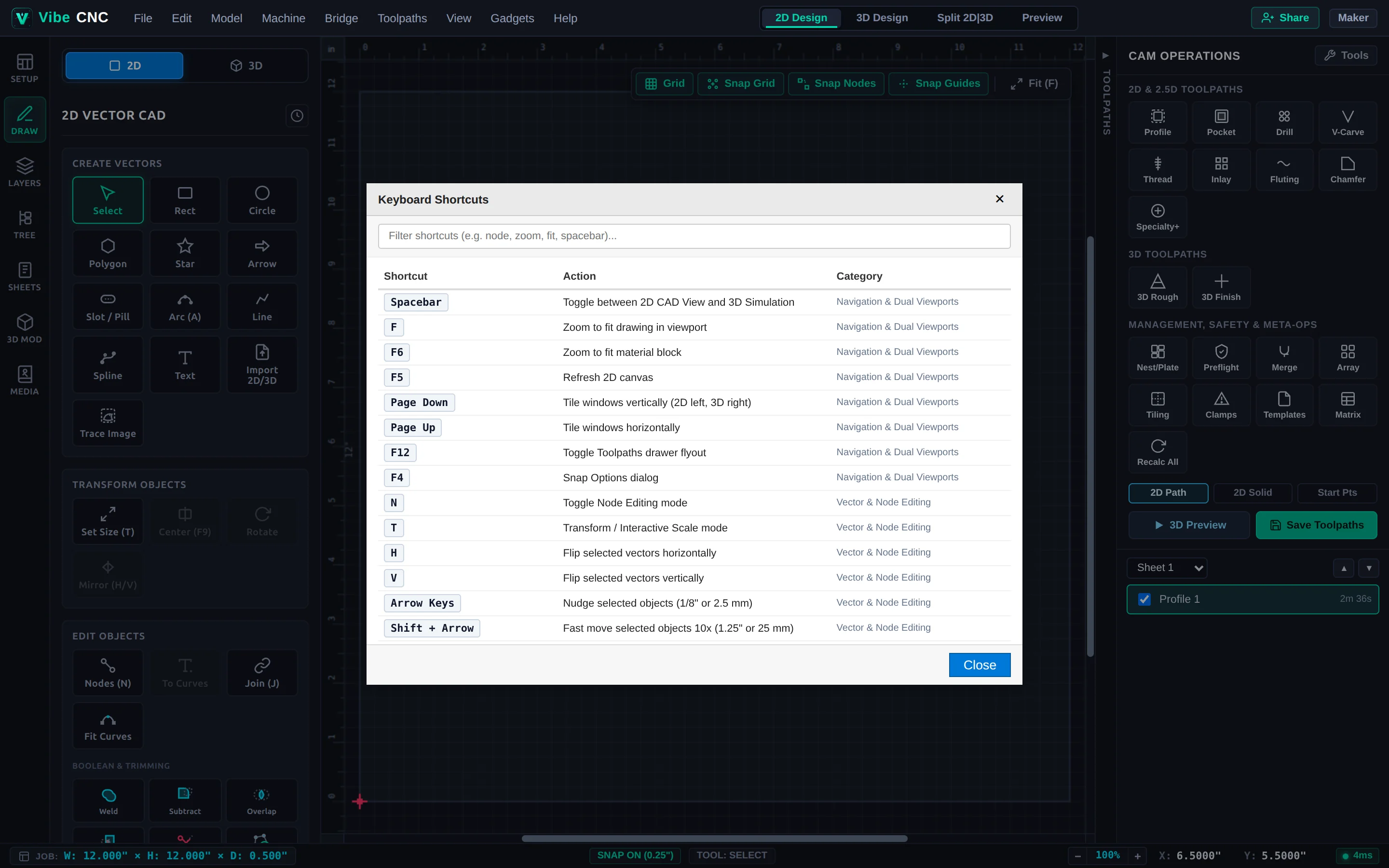
Complete reference of VibeCNC keyboard shortcuts for viewport navigation, vector drawing, node editing, and toolpath calculation.
Learning a handful of keyboard shortcuts cuts your CAD setup time in half. You can also open a searchable shortcut cheat sheet inside VibeCNC at any time from Help > Keyboard Shortcuts.
The built-in Keyboard Shortcuts modal lets you filter every shortcut by keyword.
Navigation & Viewports
Shortcut
Action
Spacebar
Toggle between 2D Design view and 3D view (or Play/Pause in 3D Preview)
F
Zoom to fit all vectors in the viewport
F6
Zoom to fit the material block
Page Down
Tile 2D and 3D viewports vertically (side by side)
Page Up
Tile 2D and 3D viewports horizontally
F12
Toggle the Right Toolpaths drawer
Ctrl + Shift + K
Toggle the VibeCNC Assistant panel
F4
Open Snap Options
G
Toggle background grid visibility
Drawing, Selection & Transform
Shortcut
Action
Esc
Return to Selection / Pointer tool
R / C / L / A
Rectangle / Circle / Line / Arc drawing tools
T
Transform / Set Selected Object Size
F9
Center selected vectors in the material sheet
H / V
Flip selected vectors horizontally / vertically
Arrow Keys
Nudge selection (hold Shift for 10x step, Alt for fine step)
J
Join open vectors
Ctrl + Z / Y
Undo / Redo
Ctrl + A
Select all vectors on the active sheet
Delete
Delete selected objects
Node Edit Mode (Press N)
Shortcut
Action
N
Toggle Node Editing mode
I
Insert a new node at the cursor
D
Delete the node under the cursor
S
Toggle Smooth curve vs Sharp corner node
C
Cut vector at the hovered node or span
L / A / B
Convert span under cursor to Line, Arc, or Bezier curve