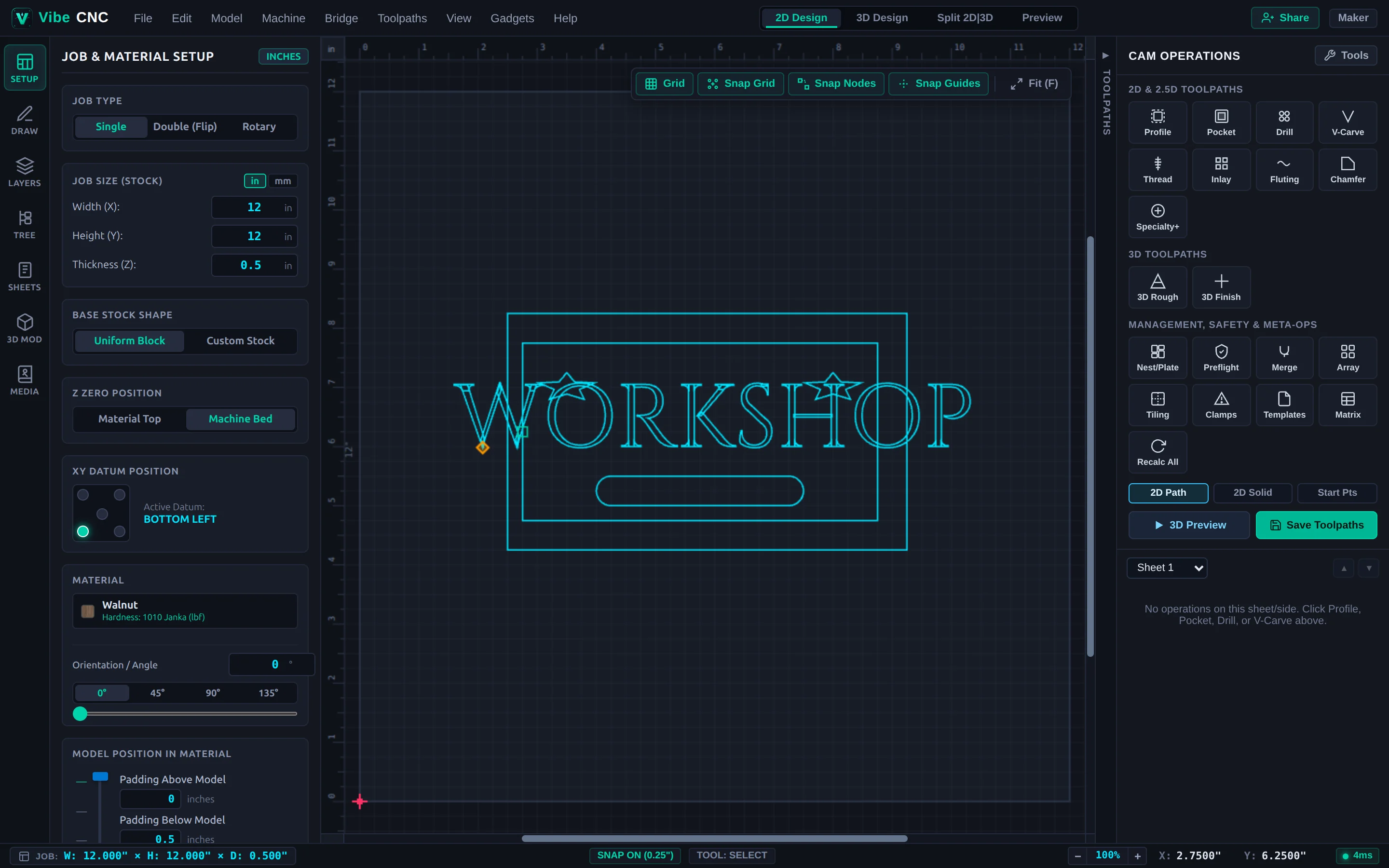
Getting Started
Start your first project, configure stock and Z-zero, and import SVG, DXF, STEP, STL, or CRV files.

Clear, practical guides for 2D vector drawing, 3D relief modeling, smart CAM toolpaths, post-processors, and shop-floor CNC workflows.
Start your first project, configure stock and Z-zero, and import SVG, DXF, STEP, STL, or CRV files.
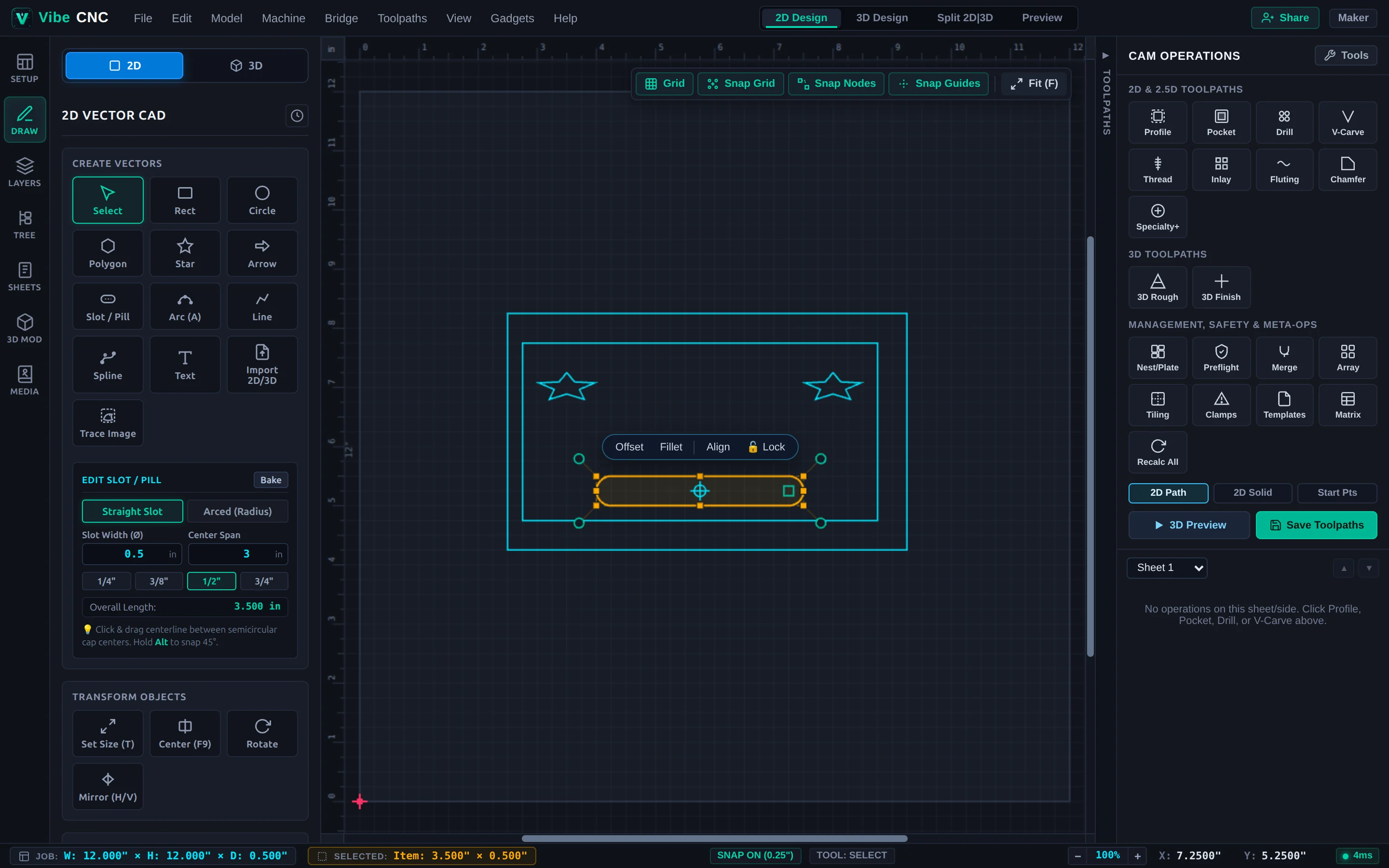
Master the 2D/3D dual viewport, VibeCNC Assistant agentic chat, layers, sheets, live math formulas, Document Variables, and shortcuts.
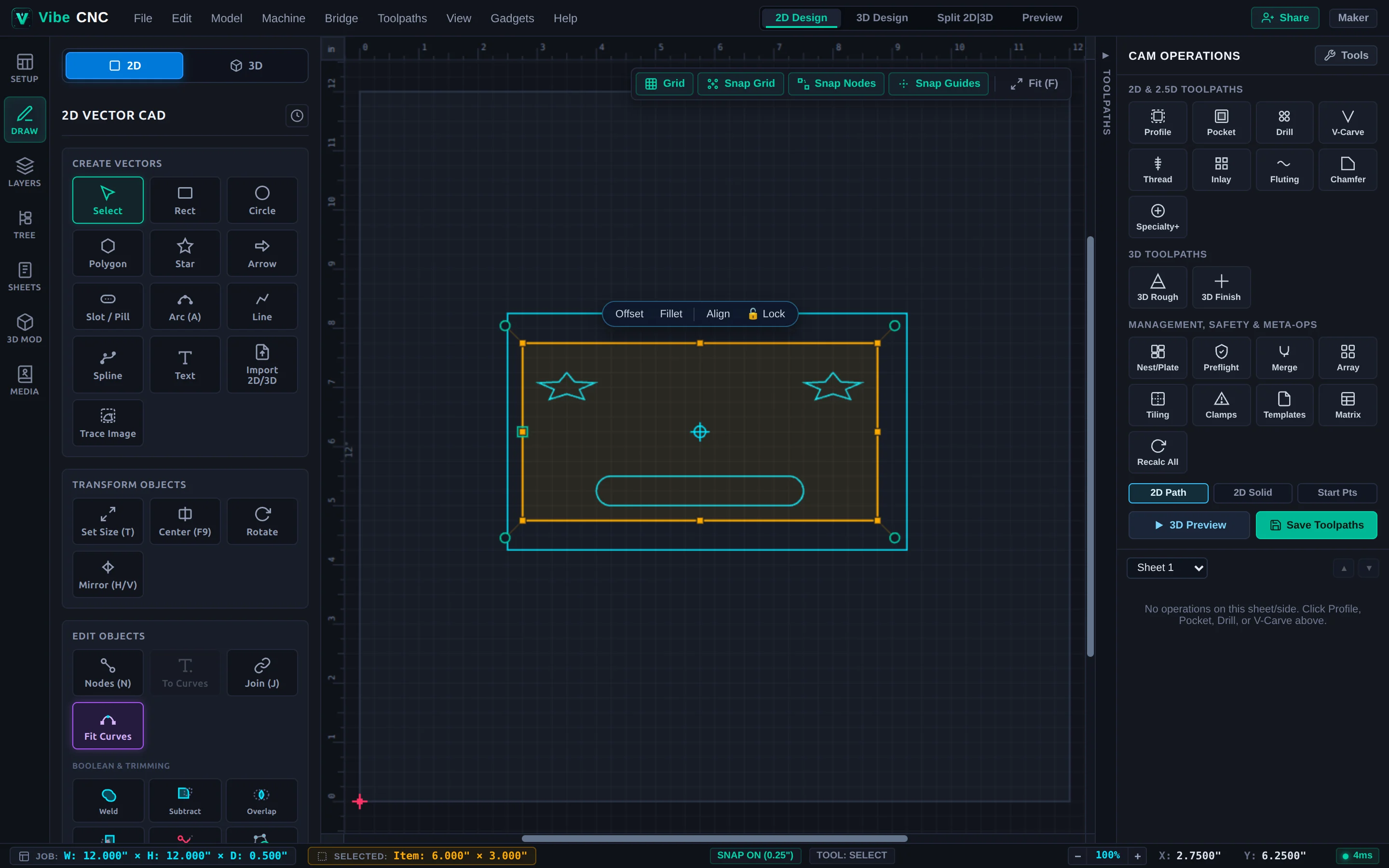
Draw parametric shapes and typography, edit nodes, clean traced logos, nest sheets, and stack live modifiers.
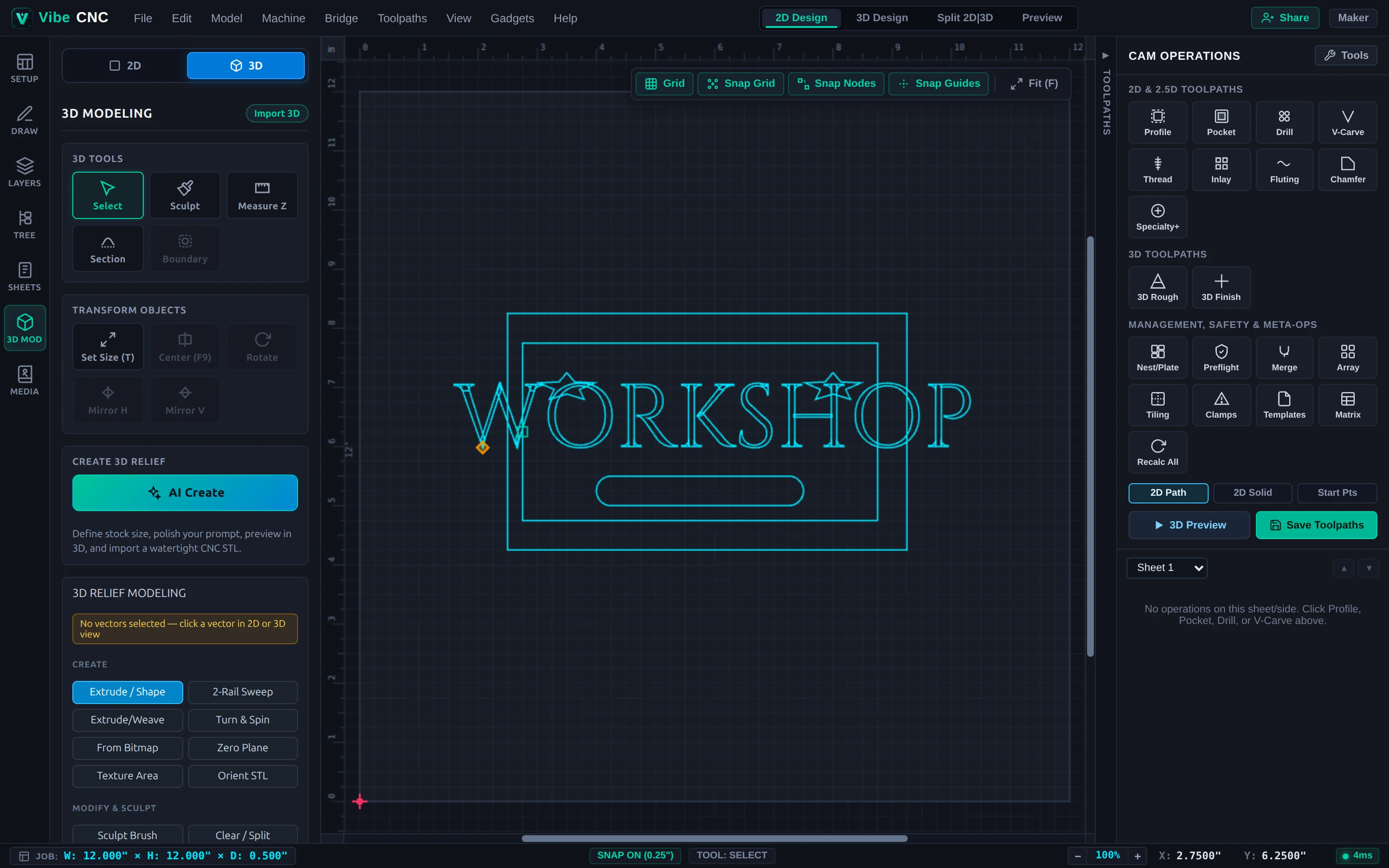
Sculpt 3D reliefs, sweep moldings, import STL/STEP solids, and generate custom 3D models.
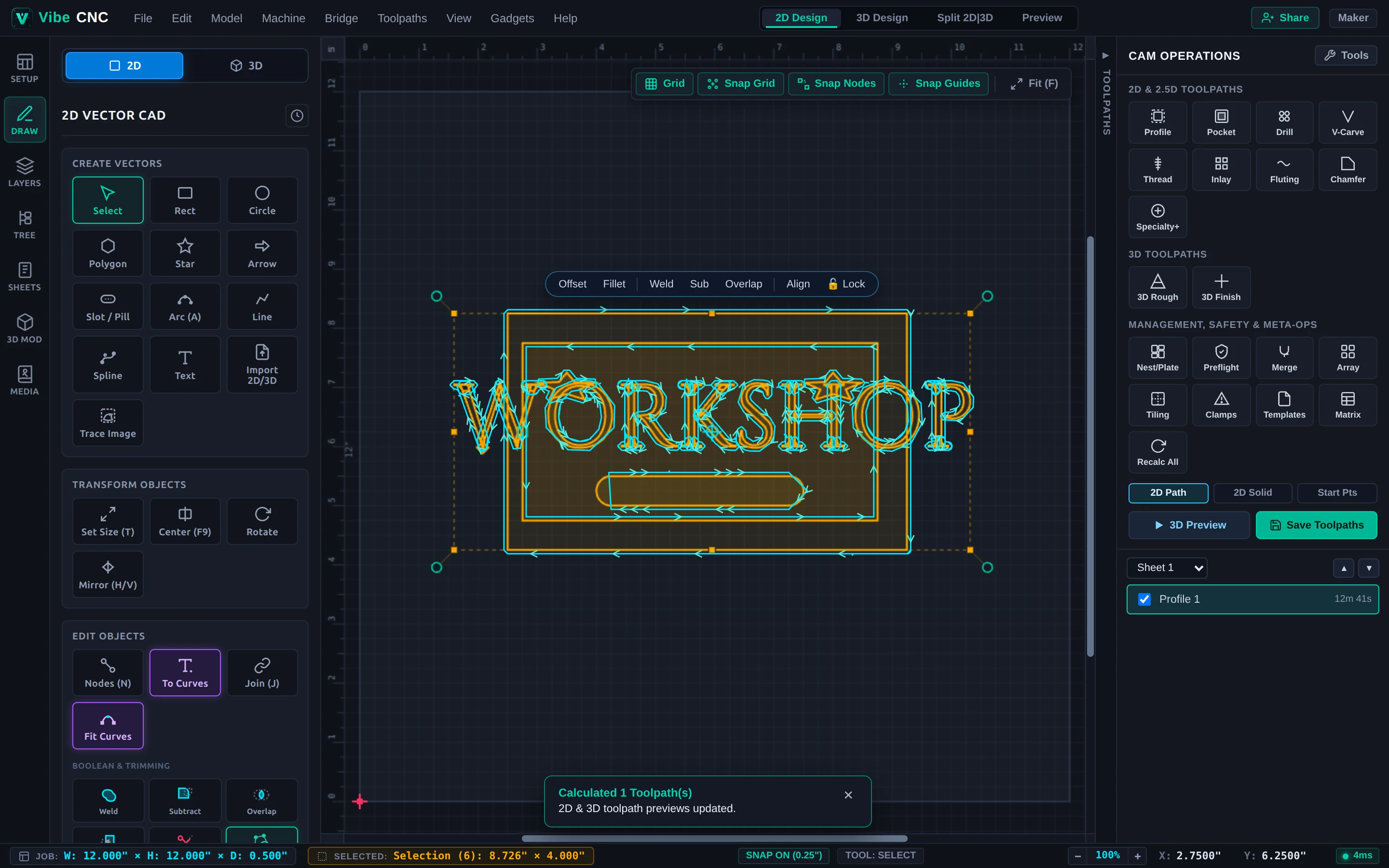
Parameter-by-parameter guides for Profile, Pocket, Drilling, V-Carve, Inlays, 3D, Undercuts, Rotary, Clamps, and Tiling.
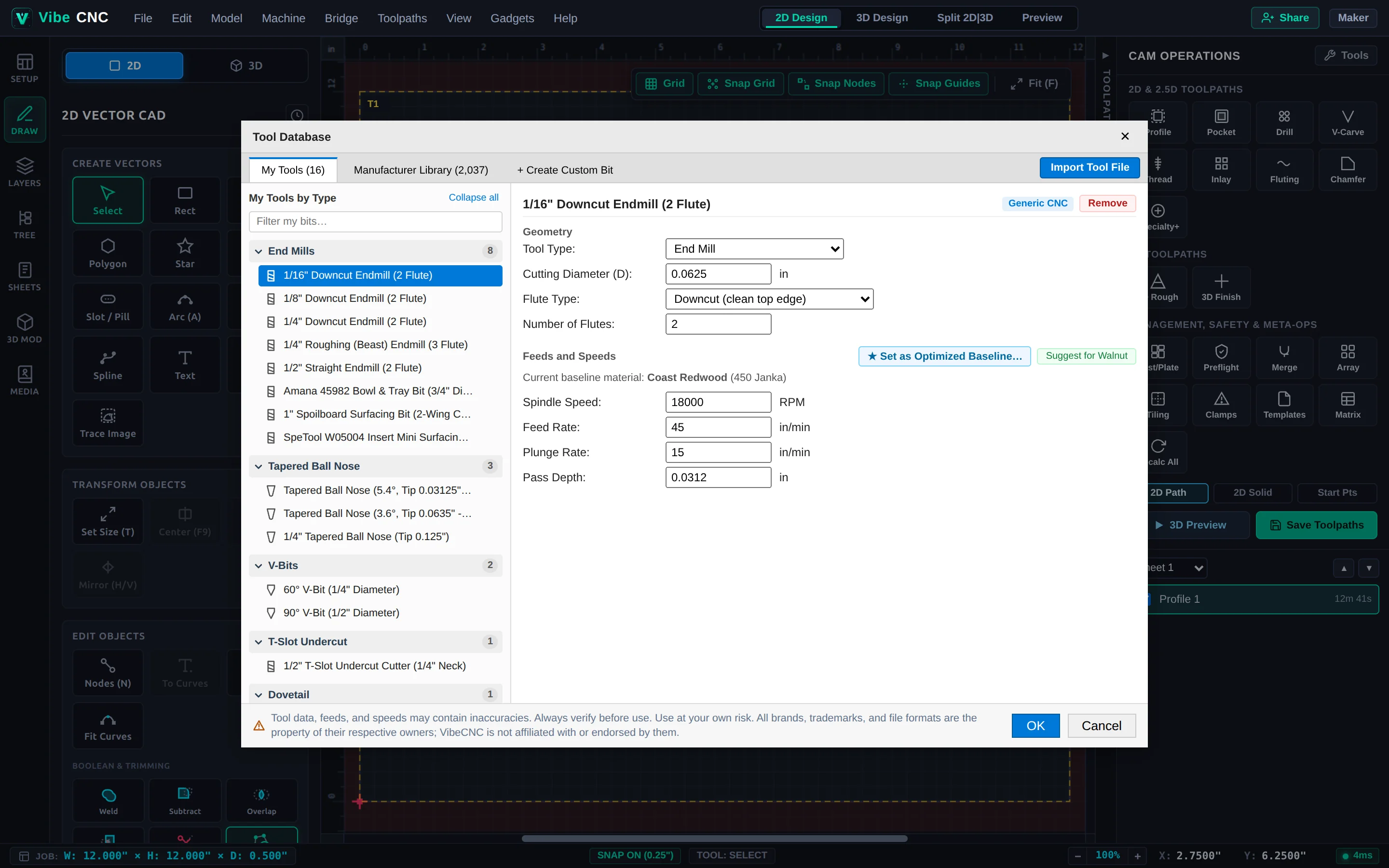
Manage router bits, speeds/feeds and chip load, 3D simulation, client proofs, post-processors, and LAN Bridge.
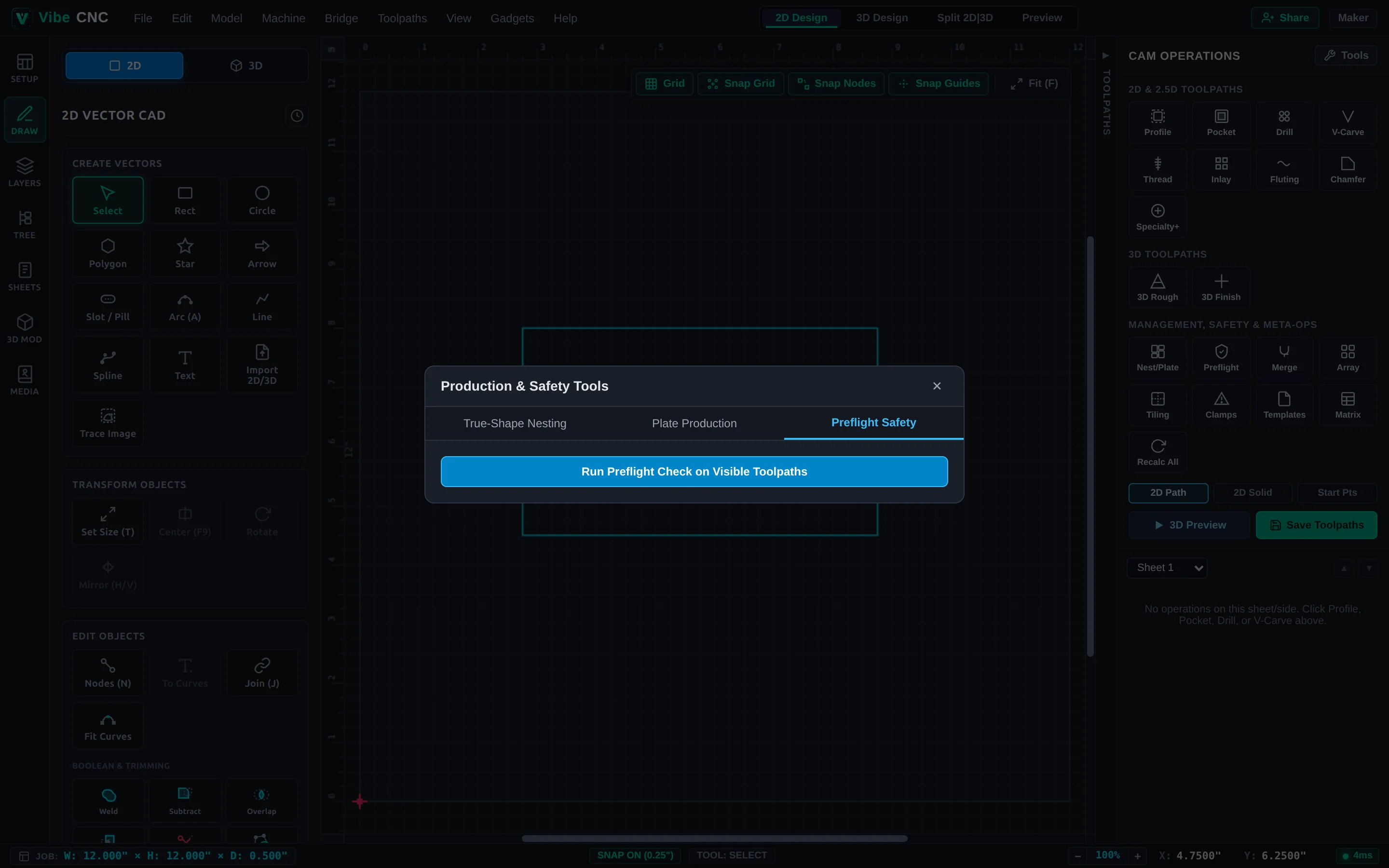
Automate joints with Gadgets, collaborate live, and diagnose common CAD/CAM and shop-floor cut quality issues.